
What actually transfers when you swap the model
Start with what GLM-5.3 is, because it shapes the answer. Z.ai says "Scaling post-training is all we did for GLM-5.3" — it uses the same base model as GLM-5.2, and every gain comes from post-training. The reported gains are real and specific: Terminal-Bench 3.0 moves from 4.6 to 28.3, DeepSWE v1.1 from 46.2 to 66.9, Agents' Last Exam (CLI) from 23.8 to 28.5, and Z.ai claims "a 50% improvement over GLM-5.2 on our in-house Z.ai Code Bench." Two honest notes on that last number: Z.ai Code Bench is Z.ai's own private benchmark, described by the company as reducing "the risk of contamination from public test sets," and the same section says "GLM-5.3 remains behind Claude Fable 5, which reaches 39.5% at Max effort." Weights aren't out yet either — "We will release the weights in two weeks after launch, once safety evaluation and hardening are complete."
None of that changes what your agent knows. A model swap changes the thing doing the reasoning; it doesn't touch the substrate the reasoning reads from. And Z.ai's own developer documentation says so, in a page about memory that describes the mechanism better than most vendor docs do: "Memory enables a coding agent to retain context across tasks and sessions, reducing repeated input and improving execution efficiency," and, for the tool it uses as its primary example, "each session begins with a fresh context window. Knowledge is carried across sessions primarily through persistent instruction files."
So the transfer list splits cleanly.
Moves for free, because it's in your repo or your home directory. Instruction files — CLAUDE.md, AGENTS.md, .cursor/rules, whatever your tool reads. Path-scoped rules. Skills. MCP server configuration, which is a config file pointing at a server, not a model capability. Your git history, your test suite, your build commands. If your agent's knowledge of your project is written down somewhere a diff would show, the model swap is invisible to it.
Does not move, and nothing tells you. Anything the previous model accumulated inside a running session — the plan it built, the dead ends it ruled out, the correction you gave it an hour ago. That was context, and context ends with the session regardless of which model you use next. Anything a tool wrote to a local, tool-specific memory store also stays where it is: it's still on disk, but it was written by and for a different setup, and if you moved tools at the same time as models, it doesn't get read at all.
The awkward middle. Auto-generated memory files sit in between. They're files, so they survive, but they were written as a compression of sessions with a different model, and their usefulness depends on whether the notes were durable facts ("the API tests need a local Redis instance") or reactions to how one model behaved ("remind it not to reformat the whole file"). The first kind is worth keeping. The second kind is noise you're about to carry into a model that never had that habit.
The manual migration
Two steps, in this order. The first one is not optional — skip it and your requests fail outright.
Step 1: Fix the thinking config before you change the model ID
GLM-5.3 changed a request-shape default, and Z.ai flags it as a breaking change. From the announcement: "GLM-5.3 supports three thinking effort levels: low, high, and max. Disabling thinking is no longer supported by GLM-5.3." The documented migration note is explicit — "Migration required: If your application currently uses thinking.type: "disabled", change it to enabled and set reasoning_effort to low before updating the model ID to glm-5.3. Otherwise, the request will fail."
Change the config first, then the model ID. Reversing that order produces failed requests that look like an outage, and the default reasoning_effort is max, which Z.ai recommends for coding but which is not a drop-in match for a pipeline previously running with thinking off. If you're wiring this into an existing tool rather than your own code, Z.ai documents that "GLM Coding Plan supports both the Anthropic and OpenAI protocols" with separate base URLs per protocol — the Anthropic Messages endpoint is https://api.z.ai/api/anthropic — so the tool-side change is usually a base URL plus a key. Team Plan users should note the documented restriction that "The Team Plan Key is not interchangeable with other Z.AI's API Keys."
Step 2: Take inventory of what lived outside your files
This is the step people skip, and it's the one that costs a week later. Before you switch, sit down with the repo and write out the answers to four questions. Not in your head — in a file.
What did the agent know that isn't written anywhere? Every convention you corrected in chat rather than committing. Every "we don't do it that way here" that landed mid-session. If your only record is a session that's about to end, it's gone.
What did you decide against, and why? Rejected approaches are the highest-value, lowest-durability knowledge in any project. A new model has no idea you already tried the queue-based version and abandoned it, so it will propose it again with enthusiasm. Write down the rejection and the reason, because the reason is what stops the loop.
Which instructions were about the old model, not about your project? Prune these now. Instructions that exist to work around one model's habits are dead weight at best and actively misleading at worst — they teach a new model to defend against a problem it doesn't have. Z.ai's memory page carries the relevant caveat: the agent "will read them and try to follow them, but it cannot guarantee strict compliance when the rules are vague, unclear, or conflicting." A pile of stale workarounds is exactly how instructions become conflicting.
What's spread across machines? If you work on a laptop and a workstation, check whether the memory your tool generated is machine-local. Most of it is. A model swap is a good moment to notice that half your agent's accumulated knowledge only exists on one computer — the same problem covered in why Claude Code forgets across machines, and it doesn't get better on its own.
Once that inventory exists as a file in the repo, the model swap is genuinely a config change. Without it, you're relying on remembering things you've been outsourcing to a tool for months.
The Better Way: One Memory Layer, Any Model
The inventory above works, and you should do it once. What you shouldn't do is do it every time — and if GLM-5.3's release pace is any signal, "every time" now means every few weeks. The alternative is to stop treating your agent's knowledge as a property of whichever model you're running and give it a home of its own that any model can read.
That's what MemoryLake is for: a memory layer your tools connect to, so the knowledge about your project lives in one place and the model behind it becomes a swappable part. Switch to GLM-5.3 today and back to something else next month; the memory doesn't move, because it was never inside the model. Setup is three steps.
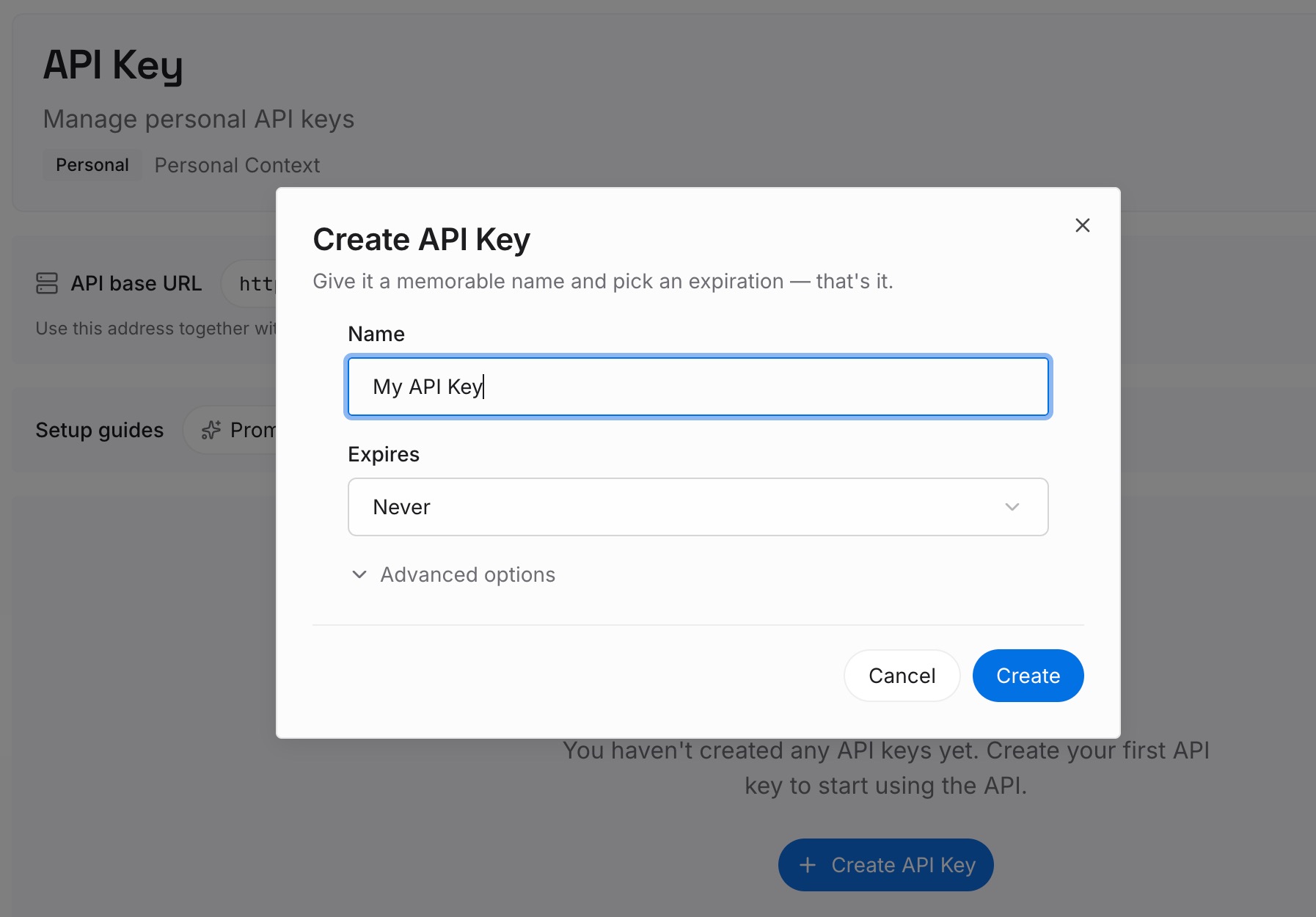
Step 1: Create an API key
Sign in to MemoryLake and create an API key. This is the credential your tools use to read and write memory, and it's the only piece of setup that isn't specific to one editor — which is the point, since the whole aim is a layer that outlives your current tool choice.
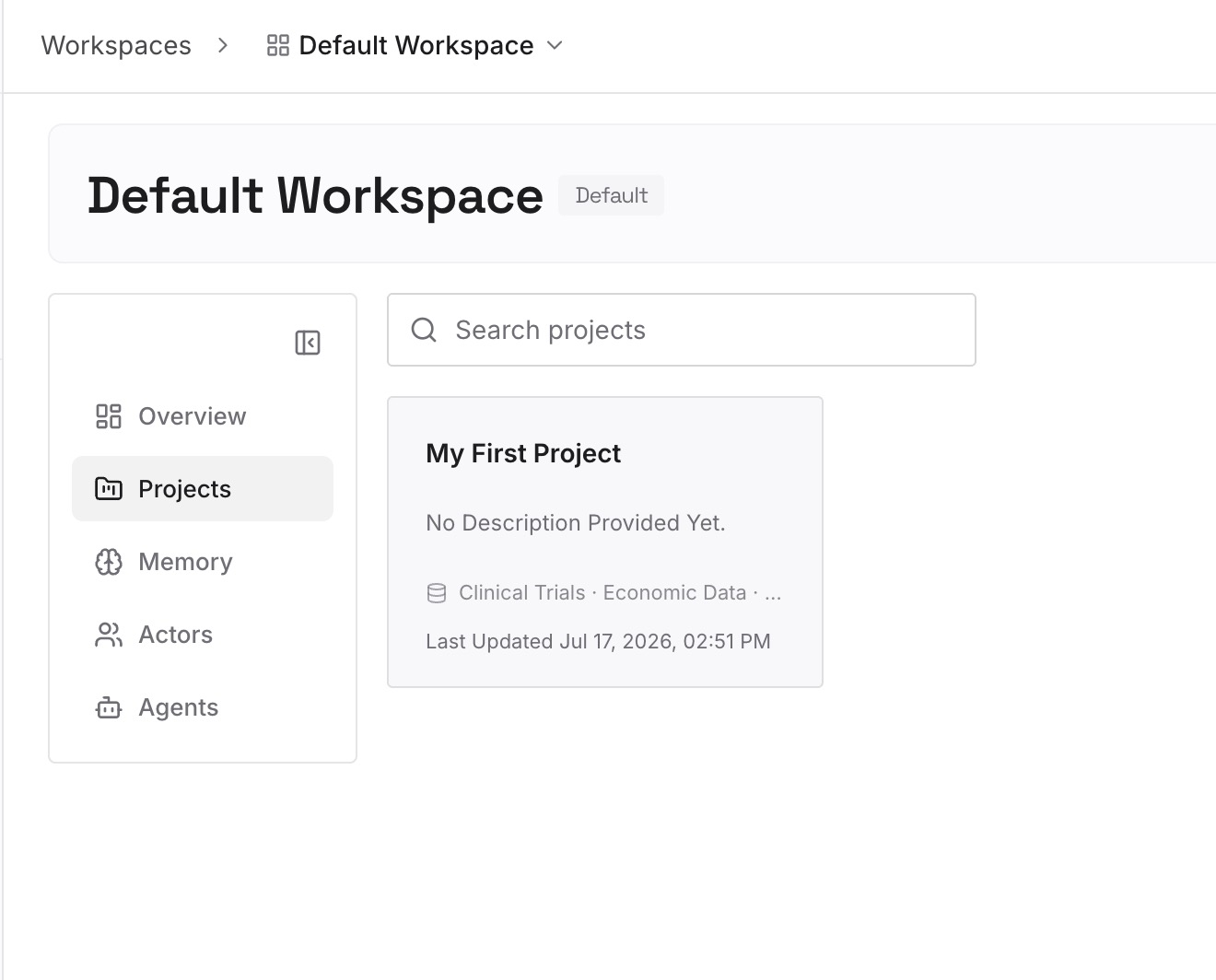
Step 2: Upload your first memories
Upload the inventory you just wrote, plus the documents that actually explain your project: architecture notes, the decision log, onboarding docs, the design constraints nobody wrote down until now. This is where the "why we rejected it" entries belong, because they're the entries a fresh model most needs and least likely to infer. Keep entries short and factual; a memory layer earns its place by being retrievable, not by being long.
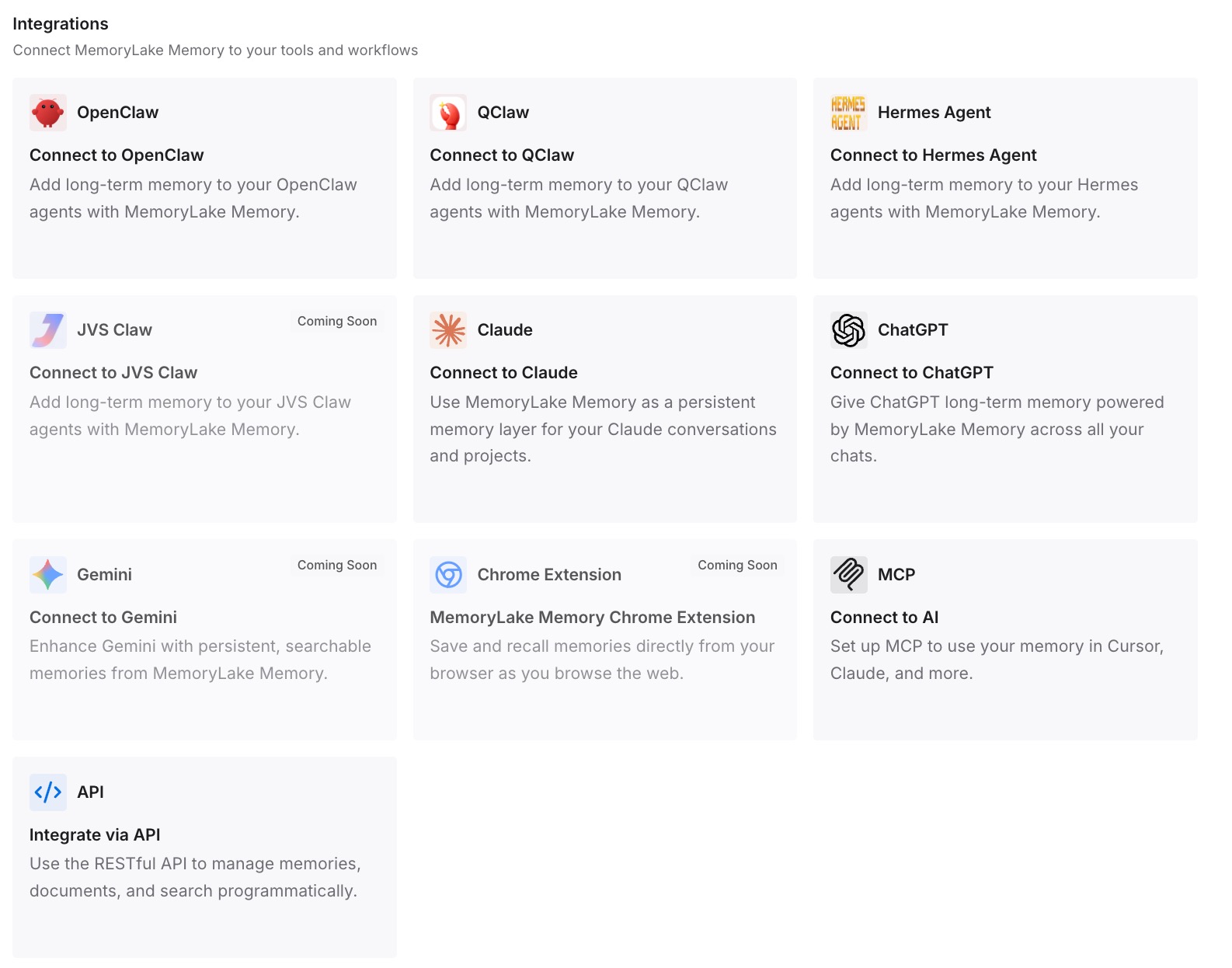
Step 3: Connect your AI & agents
Connect the tools you actually use. MemoryLake exposes memory over MCP and over an API, so agents with native MCP support — Claude Code, Codex, OpenClaw among them — connect by pointing at the MCP server, and anything else can read the same memory through the API. If you're running GLM-5.3 inside one of those tools, this is the part that makes the model swap boring: the agent keeps reading the same memory it read yesterday, with a different model doing the reading. For a walkthrough of the MCP side, see how to set up cross-AI memory with MCP.
One honest limit: MemoryLake stores what you or your agents put in it. It doesn't reach into a previous model's ended session and recover what was said there, and it isn't a substitute for writing your conventions down. It removes the re-explaining, not the deciding.
What this changes in practice
The practical difference shows up the third or fourth time you change models, not the first.
Model choice becomes reversible. Right now, most teams treat a model switch as a commitment because switching back means rebuilding context twice. When the context lives outside the model, you can run GLM-5.3 on one repo for a week, compare it against what you were using, and switch back without paying a tax either direction. Given that GLM-5.3's weights are still two weeks out at launch, keeping the option open has an obvious value.
Benchmarks stop being the whole decision. Terminal-Bench numbers tell you something real about capability. They tell you nothing about whether the model knows your billing module is load-bearing. Teams that separate the two make better model decisions, because they can evaluate the model on the model's merits instead of on how much project knowledge they'd lose.
Token spend drops for a boring reason. Z.ai's own framing of GLM-5.3's efficiency is that it "delivers markedly stronger agentic coding results than GLM-5.2 at every effort level while consuming fewer output tokens." Retrieved memory pushes in the same direction from the other end: an agent that can look up your conventions doesn't need them pasted into every prompt. If you've been re-explaining context to your assistant, that habit has a measurable cost.
Model-wave churn stops being disruptive. This is the fourth or fifth notable coding-model release this quarter. The teams that experience each one as an upgrade rather than a migration are the ones whose knowledge layer stopped being tied to a vendor's session store.
Best practices for switching models without losing context
Change one variable at a time. Swap the model or swap the tool, not both in the same afternoon. When something degrades, you want to know which change caused it.
Re-read your instruction files after the swap. Model-specific workarounds accumulate invisibly. A new model is the cheapest opportunity you'll get to delete them, and deleting them measurably improves adherence to the rules that remain.
Verify what loaded, don't assume. Whatever tool you use, there's usually a way to list which instruction and memory files entered the session. Check it once after the switch. A silently unloaded rules file looks exactly like a model that stopped following instructions.
Keep durable facts and session reactions apart. "Use pnpm, never npm" is durable. "Stop rewriting the whole file" is a reaction to one model's behavior. Filing them in the same place is how instruction files rot.
Set the effort level deliberately. GLM-5.3 defaults to max, and Z.ai recommends max for coding. If your workload is mostly short lookups, low exists for a reason — and if you migrated from a thinking: disabled setup, low is the documented equivalent starting point.
Write down rejections as first-class entries. Every model you ever use will propose the thing you already ruled out unless the ruling is written somewhere it can read. This one habit saves more time than any config tuning.
Conclusion
GLM-5.3 is an unusually clean test of whether your setup is portable. Nothing about your tools has to change, so nothing hides the answer: if your agent's knowledge of your project survives a model swap, it was written down somewhere durable, and if it doesn't, it was living in a session all along.
Fix the thinking config before you change the model ID, take the inventory once, and put the results somewhere that isn't tied to whichever model is currently winning benchmarks. Then the next release — and there will be one soon — is a line in a config file instead of a week of re-explaining. If you're weighing several of these swaps at once, switching between AI models without losing context covers the general pattern, and there are model-specific walkthroughs for Kimi K3 and GPT-5.6.