
Why one ignore rule has to do two opposite jobs
Start with Qwen Code's instruction files. Its memory documentation lists three places for QWEN.md: ~/.qwen/QWEN.md for "You, across all your projects"; QWEN.md in the project root for "Your whole team (commit it to source control)"; and .qwen/QWEN.local.md for "Only you, only in this project (keep out of git)." Qwen "loads all of them when you start a session."
The local file is meant for things like "Your own cluster ID, container registry namespace, or cloud account" and "A personal debug command that hardcodes your local environment." It "loads after the shared project QWEN.md, so your local instructions can supplement or override the team's."
Then the responsibility Qwen hands to you: "You must gitignore it yourself. Although .qwen/ is often treated as a local directory, qwen-code does not generate a .gitignore for you, and some projects commit .qwen/settings.json."
Now team memory. By default, Qwen's automatic memory is private: "Auto-memory files live at ~/.qwen/projects/<project>/memory/," under your home directory. Team memory is different: "Team memory is an opt-in tier that the whole team shares through git." When enabled, "Qwen gains a third memory directory at .qwen/team-memory/ inside the repository." Sharing works "the normal way: you git pull to receive teammates' memories and commit/push to share yours." It is "off by default."
For that to work, the documentation is explicit: "The directory must be git-tracked." And then the caveat that decides everything:
"Caveat: use the file-glob ignore form (.qwen/*), not a directory form with a trailing slash (.qwen/). A directory-form ignore makes git skip the folder entirely, so a!-reinclude below it is a no-op and the team tier stays silently empty in git."
So the two files pull in opposite directions. Keeping QWEN.local.md private tempts you to ignore the folder. Ignoring the folder in directory form makes re-including the team tier impossible. The only rule that satisfies both is the file-glob form with explicit re-includes.
Qwen does try to catch the mistake: it "warns once at startup when the tier is enabled but its directory is git-ignored or outside any git repository, so this misconfiguration does not pass unnoticed." Once, at startup, for the person who enabled it. A teammate who never enabled team memory sees nothing, and neither does anyone reviewing the repository.
What people try instead
Ignoring .qwen/ as a directory. This keeps QWEN.local.md out of git, and it also makes git skip the folder entirely. Any re-include underneath is, in the documentation's words, "a no-op."
Ignoring nothing. Team memory works, and the first time someone runs git add . their personal cluster ID or local debug command goes into the repository with it.
Adding re-include lines and assuming they work. Lines that re-include .qwen/team-memory/ look correct in any form. They only take effect below a file-glob ignore, not below a directory ignore.
Relying on the startup warning. It fires once, for the person with the tier enabled. It is a useful backstop and a poor substitute for a correct ignore file.
Treating team memory as a private notebook. The documentation is direct: "It is source-controlled and visible to everyone with repo access. Treat a team memory like committing to the repo." Personal notes belong in the private tiers.
Counting on the secret scan. Writes to the team folder are scanned for credentials, and "a detected secret is rejected, never written." Qwen adds: "The scan is a backstop, not a guarantee — don't put sensitive data there."
The Fix: Map what lives in .qwen, write the ignore rules in file-glob form, then verify both halves
The goal is a repository where QWEN.local.md can never be committed, .qwen/team-memory/ always is, and anything else under .qwen/ is deliberately one or the other.
Step 1: Map everything that lives under .qwen/ in your project
Open the project and list the contents of .qwen/. You are looking for four kinds of file.
QWEN.local.md, if anyone uses one. It must stay out of git.
settings.json. Qwen notes that "some projects commit .qwen/settings.json." If yours does — for instance to turn team memory on for everyone — it needs to stay tracked.
team-memory/, if the tier is enabled or about to be. It must be tracked.
Anything else a tool or a teammate has put there. Decide for each item whether it is personal or shared.
Then check your current ignore rules, including any global git ignore on your machine. Look specifically for .qwen/ with a trailing slash. That is the form the caveat warns about.
Step 2: Write the ignore rules in file-glob form with explicit re-includes
Replace any directory-form rule with the file-glob form. In practice, your .gitignore needs three kinds of line.
First, the file-glob ignore: .qwen/*. This ignores everything inside the folder while still letting git look into it, which is what makes re-includes possible.
Second, the re-includes for team memory, exactly as the documentation gives them: !.qwen/team-memory/ and !.qwen/team-memory/**. If your project commits settings, add a re-include for .qwen/settings.json as well.
Third, nothing extra for QWEN.local.md. The file-glob rule already covers it, and because it is not re-included, it stays ignored. For extra safety on your own machine, the documentation also suggests adding .qwen/QWEN.local.md to "your global git ignore."
Commit the .gitignore change on its own, with a message that explains why the form matters. The next person to "tidy" the ignore file into .qwen/ should find out why they should not.
Step 3: Verify with git, not with the file browser
Files on disk tell you nothing here; git's view is what matters. With team memory enabled, let Qwen write a harmless team memory — a short note about a convention everyone already follows — or add one by hand in the same one-file-per-memory layout.
Then check git status. The documentation says "Team memory writes appear in git status / the PR diff like any other file, so they can be reviewed before they're committed." If the new file appears, the re-include works. If it does not, the folder is still being skipped, and the ignore rule is still in directory form somewhere, possibly in a global ignore file.
Check the other half the same way: create or touch .qwen/QWEN.local.md and confirm it does not appear. Then restart Qwen once and watch for the startup warning; if it no longer appears, the tier is tracked.
Finally, ask a teammate to pull and confirm they received the test memory. Sharing is the point of the tier, and the only real test of sharing is someone else seeing it.
Setting this up in MemoryLake
Team memory is a good home for conventions that belong to one repository. Some of what your team knows spans several repositories, several tools, or people who do not use Qwen Code at all. MemoryLake is a place to keep that wider set so it does not depend on one folder in one repository being tracked correctly.
You write the entries yourself, in your own words. Nothing is read out of, written to, or deleted from .qwen/, your team-memory folder, your auto-memory directory, or any vendor's store.
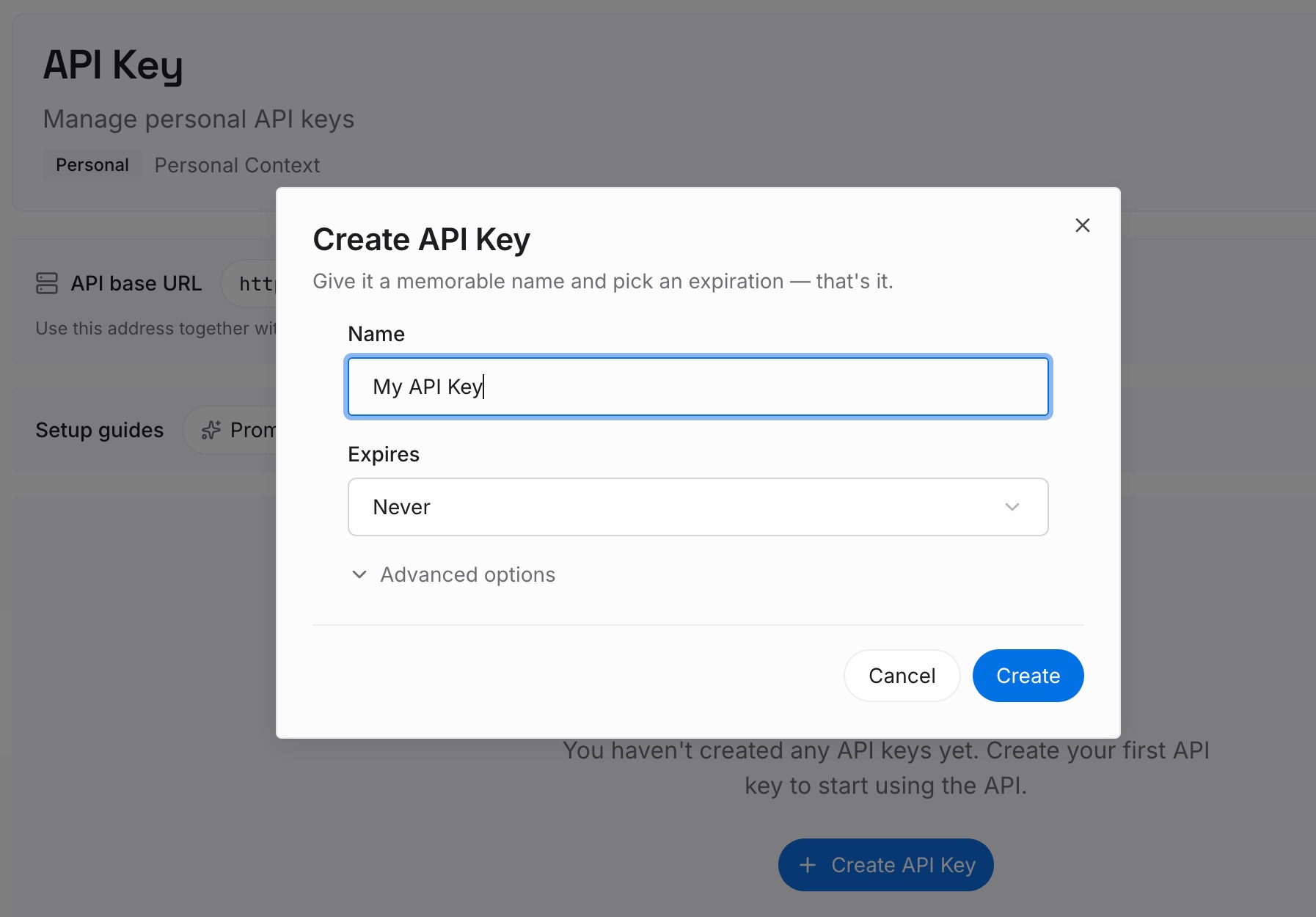
Step 1: Create an API key
Sign in and generate a key from the dashboard. The key is what lets an agent read the entries you have written, in Qwen Code or in any other tool your team uses.
Step 2: Upload your first memories
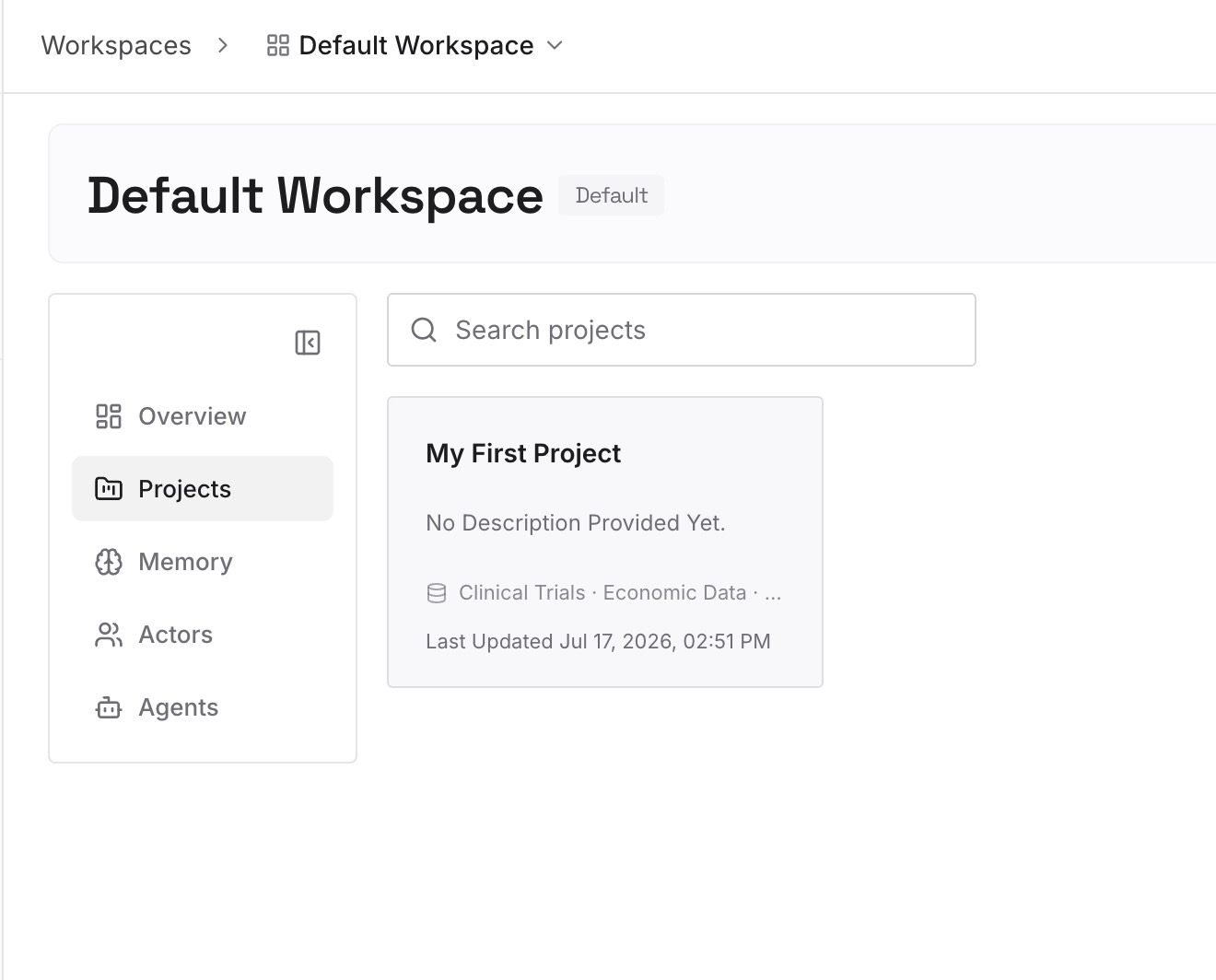
Add the decisions that apply across repositories: naming conventions, review rules, the reasons behind architecture choices. One decision per entry, with the reason attached.
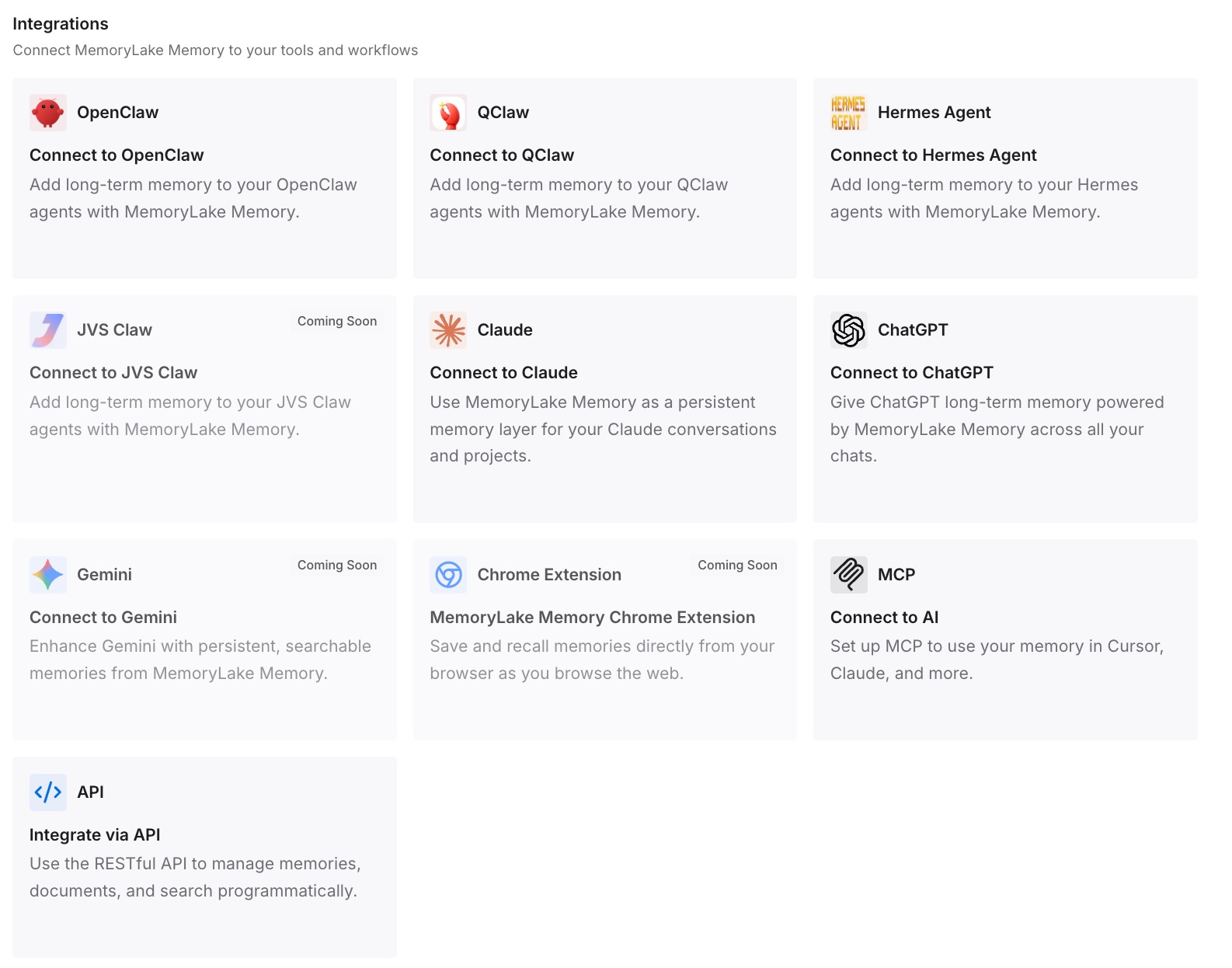
Step 3: Connect your AI & agents
Point your agents at the workspace. The same decisions are then available in every repository and every tool, including the ones with no .qwen folder.
What this changes in practice
The first difference is that the personal tier and the team tier stop competing. A file-glob ignore with re-includes lets QWEN.local.md stay private and team memory stay shared, in the same folder, without anyone having to remember a workaround.
The second is that team memory becomes reviewable in the ordinary way. Because writes show up in git status and pull requests, a wrong convention can be caught in review. The same idea — generated knowledge sitting next to hand-written rules — is behind fencing hand-written Amazon Q rules off from its generated memory bank.
The third is that worktrees behave predictably. Qwen notes that "Each linked git worktree gets its own memory folder" for private auto-memory, and points repository-wide conventions to team memory instead. With the tier tracked correctly, every worktree sees the same shared conventions. Moving work between machines has the same shape as Claude Code forgetting context across machines.
The fourth is that optional sync becomes safe to consider. Qwen offers automatic git sync for team memory, with a documented caveat: "The fast-forward pull acts on your whole current branch, not just .qwen/team-memory/." That is worth knowing before enabling it, and it only matters once the tier is actually being tracked.
The fifth is that team memory takes its proper place alongside the other layers. A committed QWEN.md states rules; team memory holds what the team learned; your private tiers hold what only you need. Other agents split the same responsibilities differently — sharing context between Claude Code sessions and why Claude Code forgets project context describe the equivalent problem there — but the question is always which layer a fact belongs to and who can see it.
Best practices for QWEN.md files and team memory
Never ignore .qwen/ in directory form. Use .qwen/*, then re-include what must be shared.
Re-include team memory explicitly. Use both documented lines, the folder and its contents.
Decide deliberately about settings.json. Some projects commit it; if yours does, re-include it.
Keep personal detail in the personal tiers. QWEN.local.md and your private auto-memory are for you; team memory is visible to everyone with repo access.
Keep secrets out entirely. The credential scan is a backstop. Qwen's own advice is "don't put sensitive data there."
Verify with git and with a teammate. Git status tells you the file is tracked; a teammate's pull tells you it is shared. For how extension files add to what Qwen loads, see Qwen Code's extension context attribution; for model changes, switching to Qwen 3.8 Max without losing context; and for the broader question of team knowledge in code, codebase memory tools for engineering teams compares the options.
Conclusion
Qwen Code's memory design is thoughtful. Personal instructions stay local, automatic memory stays private by default, and team memory is shared through the tool every team already uses: git. The one sharp edge is that the personal file and the shared folder live side by side, and git's ignore rules treat a folder with a trailing slash very differently from a folder with an asterisk.
The documentation names the problem precisely: a directory-form ignore "makes git skip the folder entirely," and "the team tier stays silently empty in git."
Map what lives in .qwen/, switch to the file-glob form with explicit re-includes, and verify with git status and a teammate's pull. Then keep the knowledge that spans repositories somewhere that does not depend on any one ignore file being right.