
What actually transfers
Your CLAUDE.md files — linked, not converted. Warp's /init links CLAUDE.md directly, alongside six other formats: "CLAUDE.md, .cursorrules, AGENT.md, GEMINI.md, .clinerules, .windsurfrules, .github/copilot-instructions.md." Linking, not detection. A repo full of CLAUDE.md does nothing until you link it.
Your skills — with a directory change. Claude Code reads .claude/skills/; Warp reads project skills from .agents/skills/ and personal skills from ~/.agents/skills/, browsable with /skills. The SKILL.md shape is the same. This is a move, not a rewrite.
Your MCP servers — twice, if you use both surfaces. Warp notes that "Rules and skills don't need migration: the CLI and the Warp app both discover them from the same file locations," but MCP is the exception: "The CLI keeps its own MCP server configuration, separate from the Warp app's," at ~/.warp_cli/.mcp.json on macOS.
Codebase understanding — rebuilt, not moved. Warp's Codebase Context "indexes your Git-tracked codebase," and the docs state that "No code is stored on Warp servers." You re-index; nothing to export.
What does not transfer: everything Claude wrote about your work. Claude Code's auto memory records four kinds of note, tagged by a type field in each file's frontmatter: user (your role, expertise, and working preferences), feedback (corrections you give Claude and approaches you confirm), project (ongoing work, deadlines, and decisions Claude can't derive from the code or git history), and reference (where to find information outside the project). It is on by default, so if you have used Claude Code on a repo for any length of time, this directory exists whether or not you have looked at it.
There is no export. There is no import on the other side. And the notes worth the most are the feedback and project ones — precisely the categories that, as Anthropic's docs point out, Claude skips writing when it can derive them from the codebase.
Also gone: path-scoped rules as a mechanism. Claude Code's .claude/rules/ lets instructions load only when Claude touches matching files. Warp's equivalent is placement: an AGENTS.md in a subdirectory. That is a coarser tool, and the loading behaviour has an edge worth knowing before you rely on it — covered in the next section.
The manual migration
Step 1: Read the auto memory directory before you stop opening Claude Code
This is a reading exercise, and it is the only step that cannot be redone later.
Your notes are at ~/.claude/projects/<project>/memory/. The <project> path is derived from the git repository, so every worktree of the same repo shares one directory. Inside you will find a MEMORY.md index — "one line per memory, loaded into every session" — plus one topic file per memory.
Open MEMORY.md first; it is the table of contents Claude maintains for itself. Then open the topic files it points to. Two practical notes: Anthropic's docs state that only "The first 200 lines of MEMORY.md, or the first 25KB, whichever comes first, are loaded at the start of every conversation," and that content past that threshold "is not loaded at session start" — so if your index is long, some of it has been inert for a while and you are reading it properly for the first time. Topic files are never loaded at startup at all; Claude "reads them on demand."
Sort what you find into three piles as you go:
- Already in
CLAUDE.md. Skip it. It links across for free. - Derivable from the repo. Skip it too. Warp will index the code.
- Neither. This is your actual migration payload: the corrections you gave, the decisions with reasons attached, the deadlines, the pointers to systems outside the repo. Copy it out somewhere before you move on.
Do not delete anything. Anthropic excludes the memory directory from its transcript retention sweep — "MEMORY.md and topic files stay until you or Claude edits or deletes them" — so leaving Claude Code installed costs you nothing and keeps the original readable.
Step 2: Land the written half, then set the loading model correctly
Run /init in Warp from the repository root and choose to link your existing CLAUDE.md. Then get three things right, because each one fails quietly.
The filename is case-sensitive. Warp's documentation carries this as a Caution: "The filename must be in all caps for Warp to recognize it (e.g., AGENTS.md, not agents.md or Agents.md)." A lowercase file is not a rules file, and there is no error.
Only two locations load automatically. "Warp automatically applies the AGENTS.md (or WARP.md) in the root and in the current directory." For anything else, "Warp makes a best-effort attempt to include that subdirectory's rules file as well" — conditional on you editing files there. If a rule must apply repo-wide, the root file is the only guaranteed home.
The most specific file wins. Warp resolves conflicts current-subdirectory first, then root, then Global Rules, with the stated intent that "the most specific, project-relevant rules take priority over broader ones." Coming from .claude/rules/, where scoping was declarative, this is the change to watch: a stale subdirectory file now outranks a fresh root standard, in that directory only.
Then move .claude/skills/ to .agents/skills/, configure MCP servers for whichever of the app and CLI you use, and run /index to build Codebase Context.
One thing Warp gives you that Claude Code does not: verification. "Rules used in an interaction will appear in the conversation under References or marked as derived from a specific rule." Use it once on a rule you know should fire, so you learn what a loaded rule looks like before you need to debug one.
That covers the written half completely. The learned half still has nowhere to go.
The Better Way: Put the Learned Half Somewhere That Isn't Tied to One Machine
Warp does have an answer to this, and it is worth understanding even if you cannot use it yet.
Agent Memory is described as "a persistent memory system that lives on Warp and is shared across every supported agent harness, including the built-in Warp Agent, Claude Code, Codex, and others as they're added." Memories are organized into stores — personal, agent-owned, or team-owned — attached to specific agents with read-only or read-write access and required per-store instructions. Each memory "records where it came from," every change is recorded for inspection, and creation and retrieval run in the background so they "don't consume tokens or add latency to the active task."
Three limits are stated just as plainly. It is "in research preview and is enabled per team for design partners," with a waitlist. Third-party harnesses are covered only when they run as cloud agents — "Running third-party harnesses locally isn't supported during the research preview." And programmatic API access and self-hosting are both listed under "Coming soon."
So: a good design, going in the right direction, not generally available, and not yet reachable from a local Claude Code session. If your team is a design partner, use it — that is the native path.
If you are not, you still need the learned half to land somewhere, and that is what MemoryLake does: a memory layer that sits outside any single tool, so the notes you rescued in Step 1 are readable from Warp today and from whatever you use next. Setup is three steps.
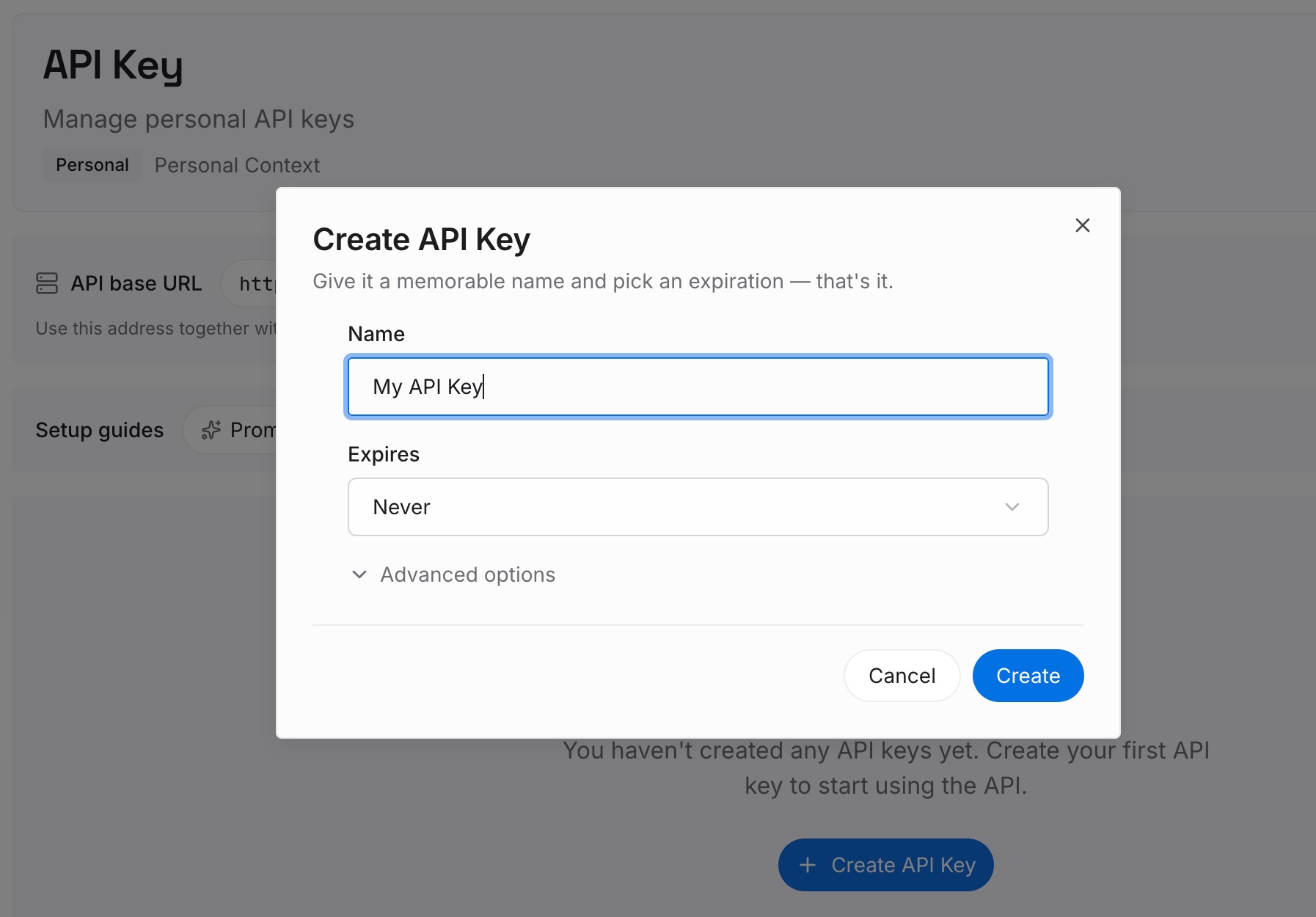
Step 1: Create an API key
Sign in and create an API key. One credential across the tools you connect.
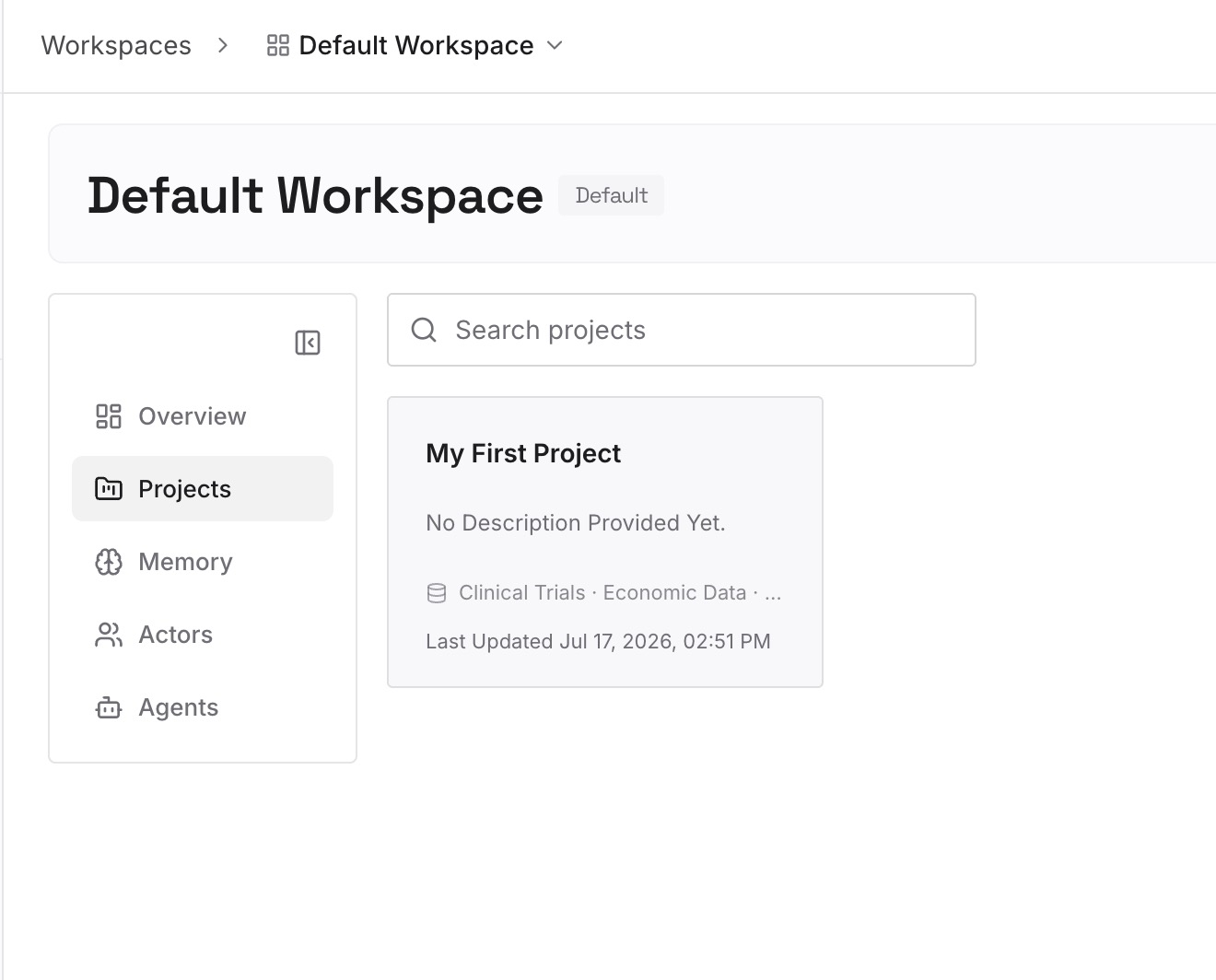
Step 2: Upload your first memories
Short entries, one claim each. Your source material is the third pile from Step 1, and Claude Code's own note types are a good sorting guide:
Corrections that stuck. Claude Code's feedback category — the approaches you rejected and the ones you confirmed. This is the highest-value pile and the one with no equivalent anywhere in Warp's rules model.
Decisions with their reasons. "Migrations are additive-only because the read replica lags under load." The instruction belongs in AGENTS.md; the reason belongs here, and it is what stops the rule being reverted next quarter.
Working context that isn't code. Deadlines, current priorities, who owns which service — Claude Code's project category, which its docs describe as things Claude "can't derive from the code or git history."
Pointers outward. The dashboard, the issue tracker, the runbook — the reference category.
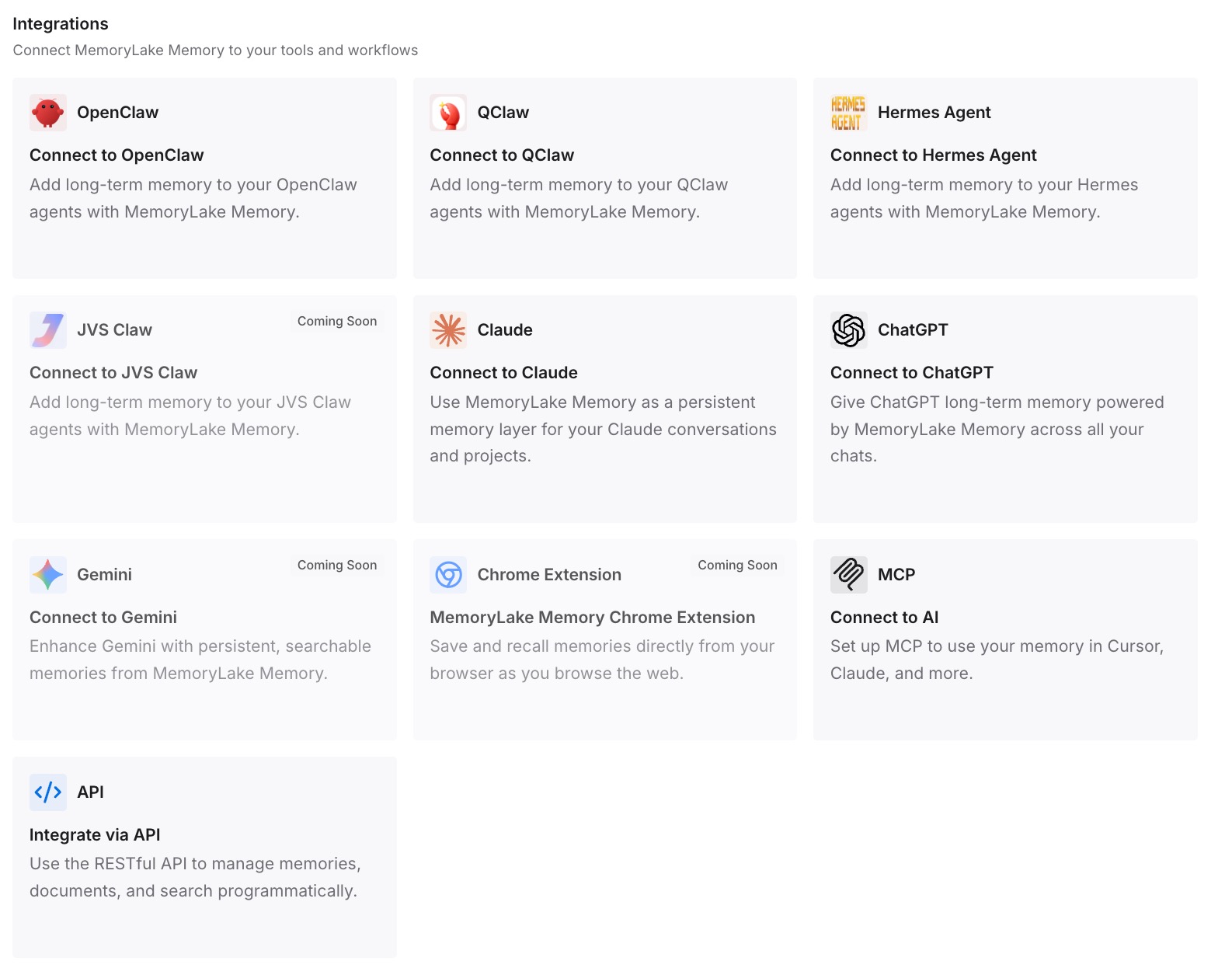
Step 3: Connect your AI & agents
Connect what you use. MemoryLake is reachable over MCP and over an API, and Warp supports MCP servers — remembering that the app and the CLI keep separate MCP configurations, so shared setups need configuring twice. Claude Code, Codex, Cline, and OpenClaw connect the same way, and anything else reads the same memory through the API.
Three honest limits. MemoryLake cannot read, export, or delete Claude Code's auto memory — there is no API for that directory, which is why Step 1 is manual reading. It does not write your AGENTS.md or your Global Rules; the loading behaviour above is Warp's, and a memory layer does not change it. And memory is context, not enforcement — Anthropic's own docs make the same point about CLAUDE.md and auto memory, that Claude "treats them as context, not enforced configuration." Anything that must hold every time belongs in a check that fails the run.
What this changes in practice
The rules migration takes minutes, not an afternoon. /init links CLAUDE.md in place.
The learned half stops being invisible. You read the directory once, deliberately, instead of discovering months later that it existed.
Machine-local stops being the default. Claude Code's auto memory is explicitly not shared across machines; whatever you move out is not.
Rule debugging gets a real answer. References shows what actually fired, which CLAUDE.md never did.
The next migration is cheaper. The knowledge is no longer inside either tool's home directory.
Best practices for moving from Claude Code to Warp
Read MEMORY.md before you switch, not after. It is loaded into every Claude Code session and it is the index to everything else.
Link rather than duplicate. /init links seven external formats. Two copies of the same rules drift apart within a month.
Check the filename case immediately. All caps or it does not exist. It is the most common silent failure in Warp's rules system.
Put repo-wide rules in the root file. Root and current directory load automatically; everything else is best-effort.
Audit subdirectory files for stale overrides. The most specific file wins, and old files stay specific.
Verify with References once per rule you care about. What loaded is a fact; what you wrote is an intention.
Keep reasoning out of the rules file. Rules are applied at request time and compete for context — the general shape is in what coding agents actually read.
Do not treat skills as memory. They are procedural and stable; memory is written as you work. The distinction is in why agent skills aren't memory.
Conclusion
This is the rare migration where the destination meets you halfway. Warp's /init links CLAUDE.md directly, your skills move by changing a directory name, and Codebase Context rebuilds itself from the repo. If your context lived entirely in files you wrote, you are done in an afternoon, and the only things to get right are the all-caps filename, the root-versus-subdirectory loading model, and the most-specific-wins precedence.
What does not come with you is the half Claude wrote. Auto memory is on by default, it holds your corrections and your project state in ~/.claude/projects/<project>/memory/, it is machine-local by design, and there is no export. Warp's Agent Memory is the right shape for that knowledge — cross-harness, source-tracked, per-agent access — but it is a research preview limited to design partner teams, and during the preview it does not cover third-party harnesses running locally.
So read the memory directory before you stop opening Claude Code, keep the corrections and decisions that are neither in your CLAUDE.md nor derivable from the code, and put them in a layer that is not tied to one tool's home directory. The rules will link in minutes. The reasoning is the part only you can carry across — and the reason it went missing in the first place is covered in why Claude Code forgets across machines.