
The short answer
Claude has no native push to Cursor. You'll download each Project's Knowledge files, copy each Project's System Prompt, and convert them into .cursorrules (or .cursor/rules/*.mdc) at the matching repo root, with reference files moved into docs/. Plan 20–35 minutes per Project. A shared MCP-based memory layer like MemoryLake lets both tools read the same source.
Why people switch from Claude to Cursor
Three drivers in 2026:
- In-editor flow. Cursor's Tab acceptance, inline edits, and Cmd-K feel faster for high-frequency small changes.
- Repo-aware grounding. Cursor reads your codebase by default; Claude Projects require uploading files.
- VS Code ecosystem. Cursor's compatibility with VS Code extensions matters for many teams.
What "memory" means in Claude vs Cursor
Different scopes.
Claude memory lives inside Projects. Each Project has its own Project Knowledge (uploaded files and pasted text) and an optional System Prompt.
Cursor memory spans .cursorrules (legacy single-file project rules), *`.cursor/rules/.mdc` (structured per-rule format with metadata), Notepads (reusable prompts), and user-level Rules for AI** in Settings.
A Claude Project's System Prompt becomes .cursorrules content. Project Knowledge files become repo docs/. Reusable prompts become Notepads.
Step 1: Export your Claude memory
Claude has no Project-export bundle.
- Capture each Project's System Prompt. Open the Project → Project Instructions. Copy the contents into a text file labelled with the Project name.
- Download Project Knowledge files. Click each file and download originals. Re-upload from local copies if available.
- Copy pasted-text knowledge. Save into a
notes.mdper Project. - List reusable conversation patterns. If you had go-to prompts, capture them in
prompts.md.
End state: one folder per Claude Project with the System Prompt, original files, notes.md, and prompts.md.
Step 2: Import into Cursor
Cursor expects per-repo configuration plus user-level Rules.
- Map each Project to a repo. If a Claude Project corresponds to a single codebase, target that repo. For broader Projects, pick the primary repo and consider duplicating into a couple of others if cross-cutting.
- Create
.cursorrulesat the repo root. Paste the Claude System Prompt, adapted for repo-specific concerns. - *Optionally split into `.cursor/rules/.mdc
.** For richer behavior, create per-concern.mdc` files with frontmatter and the instruction as the body. - Move Project Knowledge into the repo. Put downloaded files under
docs/(or a similar folder) and reference them inside.cursorrulesby relative path. - Add reusable prompts as Notepads. Open Notepads panel and create one Notepad per saved prompt.
- Optionally translate global guidance to Rules for AI. Settings → Rules for AI. Paste any preferences that should apply across every repo.
- Probe. Cmd-K in a relevant file and ask the model to apply one of the moved rules.
What you'll still lose after migrating
- Project-scoped chat threads. Claude conversations stay in Claude; Cursor's chats live in the IDE.
- MCP-based tool depth. Each MCP server you used in Claude Desktop needs adding to Cursor's MCP config.
- Cross-repo project boundary. A Claude Project that spanned multiple repos becomes per-repo
.cursorrulesfiles. - Ongoing sync. New Project Knowledge in Claude next week won't appear in
.cursorrulesunless you redo the copy.
The better way: one memory layer, every tool
If you keep using Claude for design discussion and Cursor for coding, the per-tool drift starts immediately. Cross-repo standards end up in two places.
MemoryLake holds those rules once and exposes them through MCP. Both Claude Desktop and Cursor support MCP, so the same project context flows into both from a single endpoint.
- One source of truth. Update once; both tools see the change.
- Cross-repo standards. Team conventions live above any single repo.
- Drop-in for the next tool. Add Windsurf or Claude Code with a config change.
Connect MemoryLake in 3 steps
Step 1: Create a project and load your context
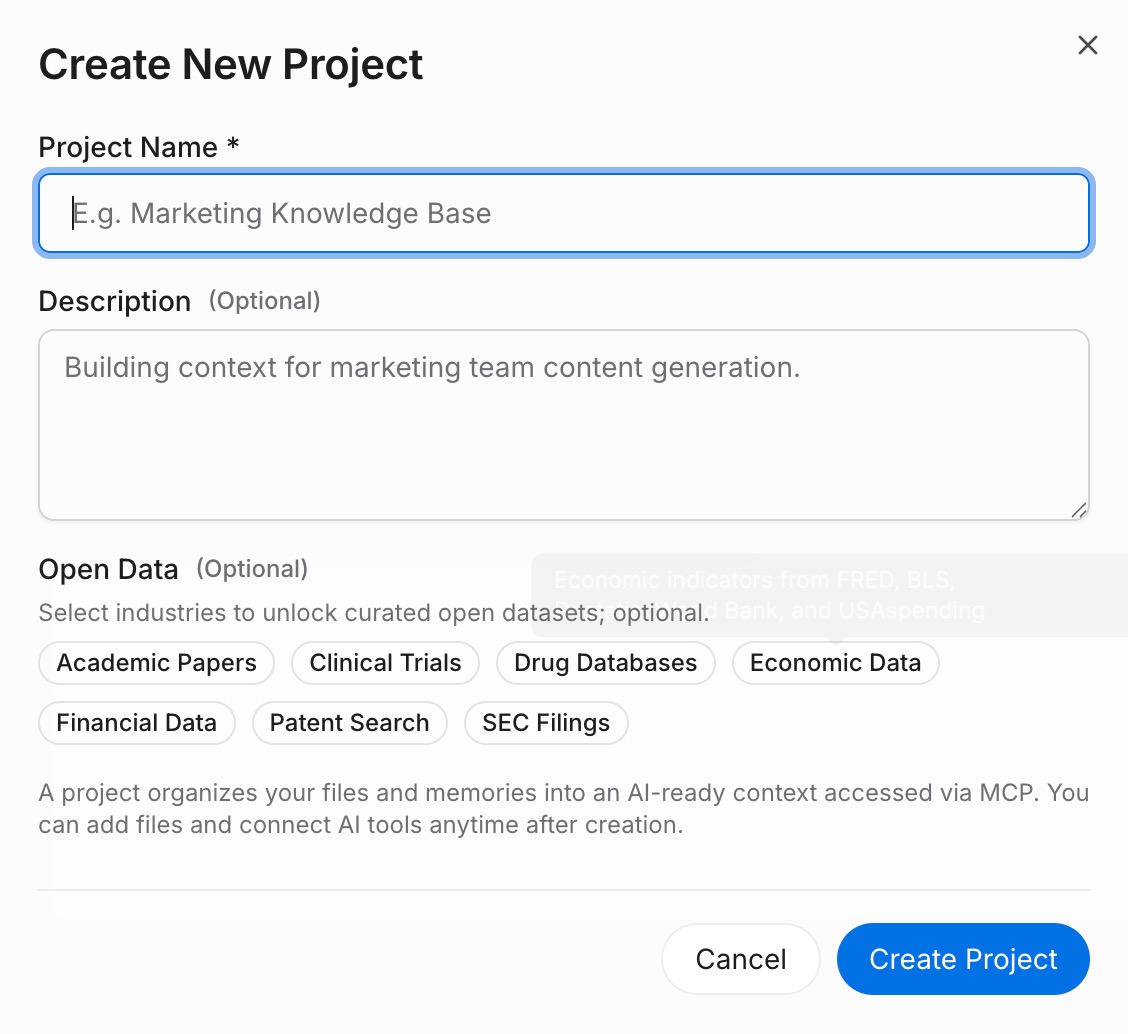
Sign in to MemoryLake, open Project Management, and click Create Project. Name it "Claude ↔ Cursor shared context." Drag your downloaded Claude files (PDF, Word, Excel, PowerPoint, Markdown, or images) into the Document Drive under My Space, then open the Documents Tab and click Add Documents. Paste each Project's System Prompt and your reusable prompts into the Memories Tab via Add Memory.
Step 2: Generate an MCP Server endpoint
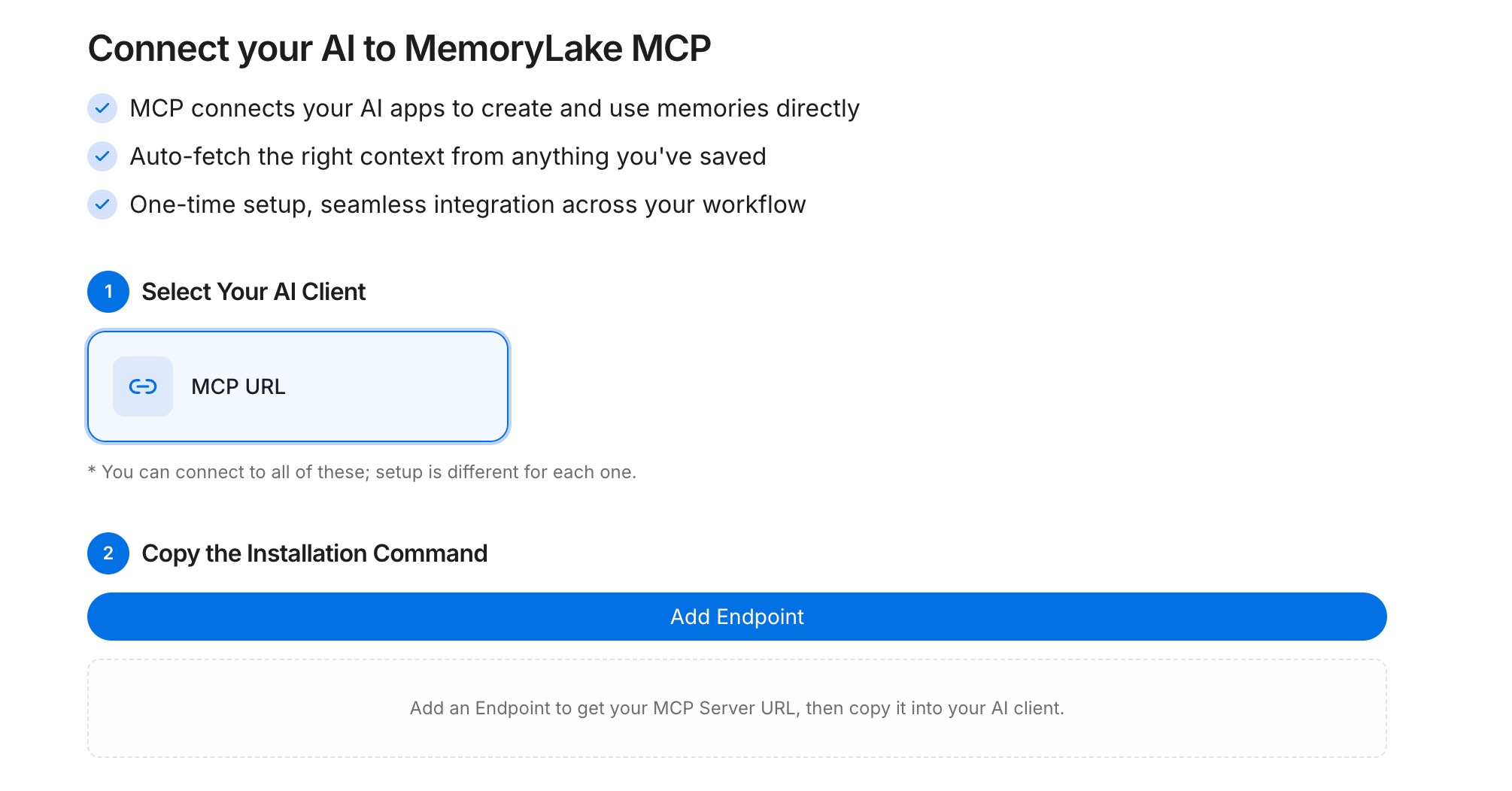
Open the MCP Servers Tab inside the project, click Add MCP Server, describe it (e.g., "Claude + Cursor bridge"), and click Generate. MemoryLake returns a Key ID, a Secret, and an Endpoint URL. Copy the Secret immediately — it is shown only once.
Step 3: Point both tools at the endpoint
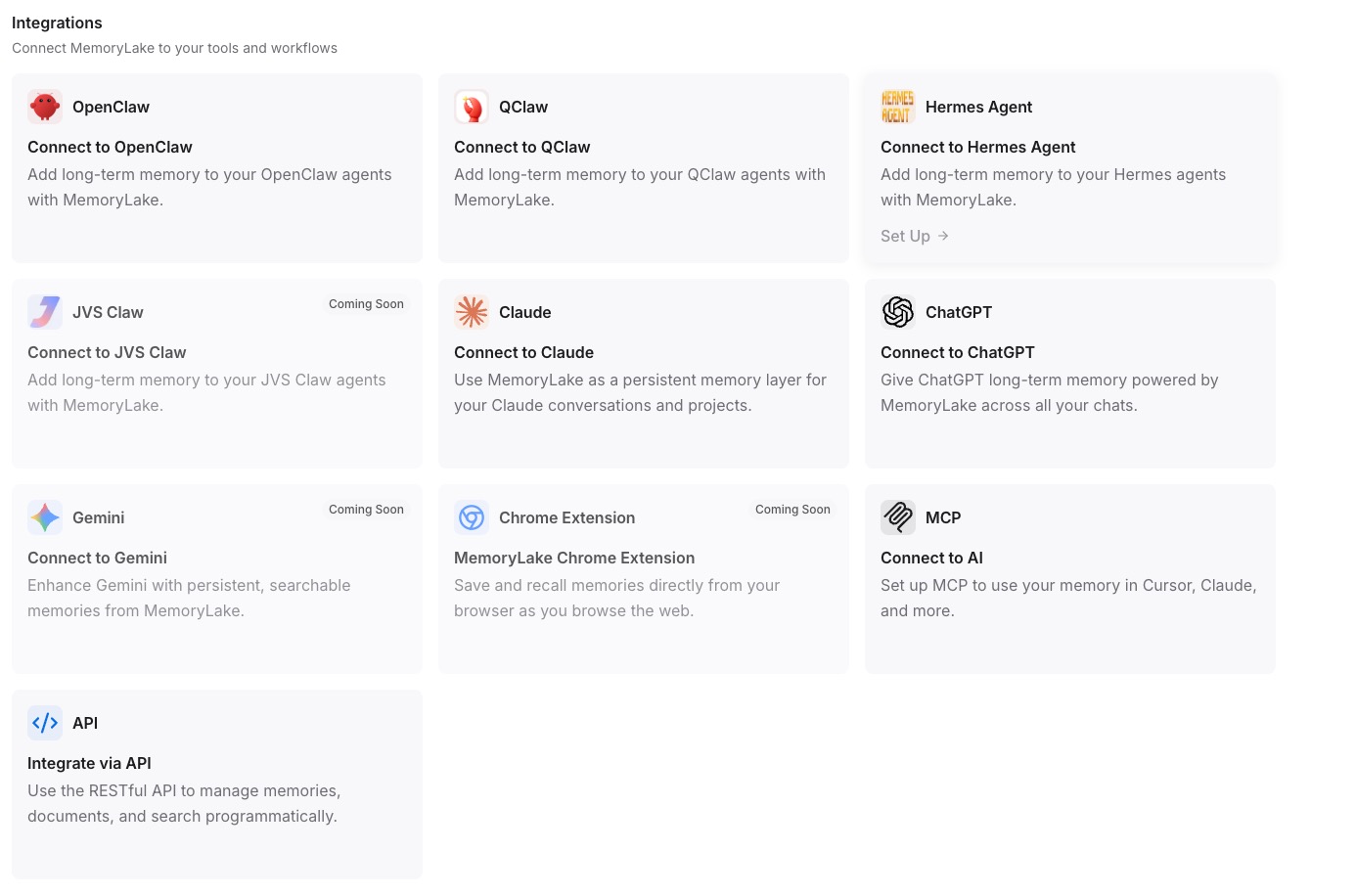
Add MemoryLake to Claude Desktop's MCP config with the endpoint URL and the Secret as a Bearer token, then restart Claude. In Cursor's MCP configuration (e.g., .cursor/mcp.json), add the same entry and restart Cursor.
Native migration vs MemoryLake
| Dimension | Native Claude → Cursor | MemoryLake bridge |
|---|---|---|
| Steps required | 8–11 manual | 3 one-time |
| Estimated time | 20–35 min per Project | ~5 min setup |
| Preserves Project boundary | Per-repo only | Yes (one Project) |
| MCP tool reuse | Rebuild per IDE | MCP endpoint shared |
| Syncs ongoing changes | No | Yes |
| Works with a third tool later | No (rebuild) | Yes (add MCP) |