
Why people move projects between accounts
The usual reasons are about who owns the account. A personal Pro plan was fine until your company bought Team seats. A project started on a university account needs to survive graduation. Two accounts, one for work and one for personal use, ended up with projects in the wrong place.
In each case the goal is the same: the new account should have the project's instructions, its files, and enough of what Claude learned to continue without starting over.
What a Claude project holds
Anthropic's project guides describe several parts:
- Instructions. "Claude will use these instructions for all the chats within the project."
- Project knowledge. Files you upload to the project's knowledge base. "Anything you upload to this space will be used across all of your chats within that project." On paid plans, large knowledge bases switch to RAG mode; our guide to Claude project RAG mode explains when that happens.
- Chats. The conversations inside the project.
- Project memory. "Each project has its own memory." Claude uses it alongside your memory from chats outside of projects, and new memory is saved to the project.
- Sharing. On Team and Enterprise plans, the members and their permission levels.
Two details matter for a move. First, the project's name and description aren't context: when you create a project, Anthropic notes that "Claude will not have access to these details". Second, chats in a project don't share context with each other: "Context is not shared across chats within a project unless the information is added into the project knowledge base." So the instructions, the knowledge files, and the project memory carry most of what the project knows. Our guide to Claude project thread memory covers how those layers fit together.
Moving a personal account into a Team or Enterprise organization
This is the case Anthropic supports directly. Its migration guide covers personal accounts "tied to your work email" moving into the organization's workspace, and it lists what moves.
What moves
The list for projects is broad:
- "Projects, project instructions, and files, including projects created through or used with Cowork"
- "Project sync configurations (which Drive folders and repositories a project syncs)"
- "Claude's memory from chats and projects, unless your organization has memory turned off"
Chats, artifacts within chats, and uploaded files move too.
What doesn't
Several things that projects can rely on stay behind or need setting up again:
- Custom skills. "There's no migration path for skills. Export any you want to keep before you migrate."
- Connected apps. "All authorizations are revoked." You reconnect each app from the organization account.
- Custom connectors. You add them again, and the organization's policy may not allow them.
- Public share links and published artifacts. Share links stop working, and publishing isn't available on Team and Enterprise plans.
- Cowork and Claude Code cloud sessions. Cowork sessions in the desktop app stay on your computer, and cloud sessions for Cowork and Claude Code are listed under what doesn't move.
The guide also notes a limit on the receiving side: "Enterprise organizations that have turned on HIPAA readiness or customer-managed encryption keys (CMEK) can't receive data from a personal account."
How to start
Anthropic says to "Start from your organization account, not your personal account." On a Team plan, you're prompted when you accept the invite. On either plan, the option is under Settings > Account > Close your personal account. You can also keep both: "Your personal account stays active."
Before you close the personal account
Anthropic's checklist for the migration covers the parts that won't follow: "Export any custom skills you want to keep." "Save a copy of anything you've published as an artifact, since published artifacts won't be available afterward." "Make a note of the apps you've connected so you can reconnect them."
Expect a short delay afterward. The guide says "Searching by chat title works right away", but "The first time Claude searches your past chats in your new organization, it rebuilds its search index, so Claude might not find everything at first." If project chats seem to be missing, Anthropic suggests signing out, signing back in, and searching again.
Moving between two personal accounts
Here the export page's answer applies. You can download your data from Settings > Privacy, but "Exported data can't be imported into another personal Claude account, and we don't support migrating data between personal accounts."
That means a project moves by being rebuilt. The export is still useful as a record. Anthropic says it includes "conversation data and the user data for your account", and the download link "will expire 24 hours after delivery." Our guide to reading your Claude data export shows how to find what you need in it. For knowledge files, keep your own copies of the originals rather than relying on the export.
Project memory
The memory import Anthropic describes is for account memory in general: you paste text into the import flow, and Claude "will extract key information and store it as individual memory entries." Anthropic adds a caution: "Claude may not always successfully incorporate imported memories."
For a project, the more reliable route is to turn what the project memory knows into project instructions or a knowledge file in the new account. Those are read in every chat in the project.
Projects in Cowork and the new version of projects
Cowork projects have the same parts. Anthropic says "Projects work the same way in Cowork and in Claude", with instructions, scheduled tasks, context, and memory. Two parts need extra care in a rebuild:
- Scheduled tasks. Each Cowork project can have its own. Write down what each one does and when it runs, and recreate it in the new account.
- Folder context. A project that links a local folder depends on that folder being on the computer you use with the new account.
Anthropic is also rolling out a new version of projects, starting with Claude Code. For accounts moved to the new version, the help page says "Nothing is lost or deleted in the move." That describes moving a project to the new version within one account. The migration guide's lists don't mention the new version, so if your projects are on it, check its current state before you migrate. Our guide to Claude Code Projects memory explains how the new version stores project memory.
What people try first
Importing the data export into the new account. Anthropic says exported data can't be imported into another personal account.
Copying only the chats. Chats in a project don't share context with each other, so the project's knowledge lives in its instructions, files, and memory.
Relying on the project description. Claude doesn't have access to the name or description.
Pasting project memory into the general memory import. It may work in part, but Anthropic says imports may not always be incorporated, and the result is account memory rather than project memory.
Forgetting skills and connectors. They don't move, even in the Team or Enterprise migration.
The manual migration
Step 1: Copy each project's instructions, files, and memory
Open each project you'll keep. Copy the instructions into a text file. Make sure you have local copies of every knowledge file. Under Memory on the project's page, review what the project has saved, and write the points you'd want in the new account into the same file. Note any connectors, skills, and scheduled tasks the project depends on.
Step 2: Create the project in the new account
Create a new project, paste the instructions, and upload the knowledge files. Turn the most important points from the project memory into a short knowledge file or a few lines in the instructions, so every chat reads them. Reconnect the apps and recreate the scheduled tasks.
Step 3: Bring in the chats that matter
For conversations you still rely on, write a short summary of what was decided and add it to the project's knowledge. If you want a specific chat inside the new project, our guide to moving a Claude chat into a project covers how chats and projects connect. Then test with a chat that asks Claude to restate the project's rules.
The Better Way: Keep the decisions from your projects in one list you control
The manual migration shows where a project's value sits: in instructions and a handful of decisions that took weeks to settle. Each account change means copying them out and pasting them back in, and Anthropic doesn't support migrating data between personal accounts.
MemoryLake is a memory layer for keeping that list in one place you maintain, available to the assistants you connect, such as ChatGPT, Claude Code, and Codex.
You write the entries yourself, in your own words. Nothing is read out of, written to, or deleted from your Claude accounts, your projects, your project knowledge, your project memory, your data export, or any vendor's store. If one of the accounts belongs to your organization, check its policy before you copy work content anywhere. Claude's projects and the account migration keep working the way Anthropic describes them.
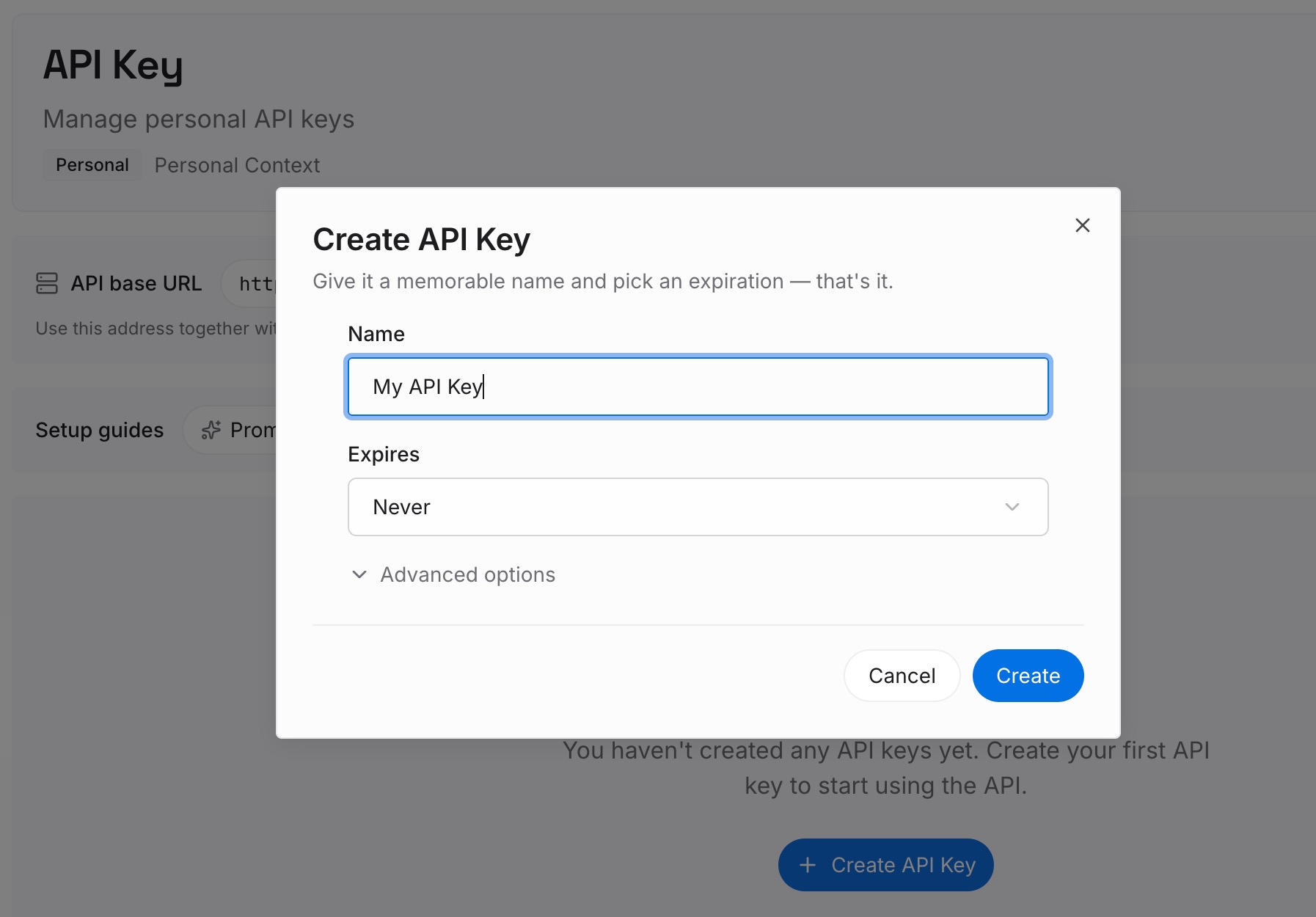
Step 1: Create an API key
Sign in and generate a key from the dashboard. The key belongs to your MemoryLake workspace and is separate from your Claude accounts.
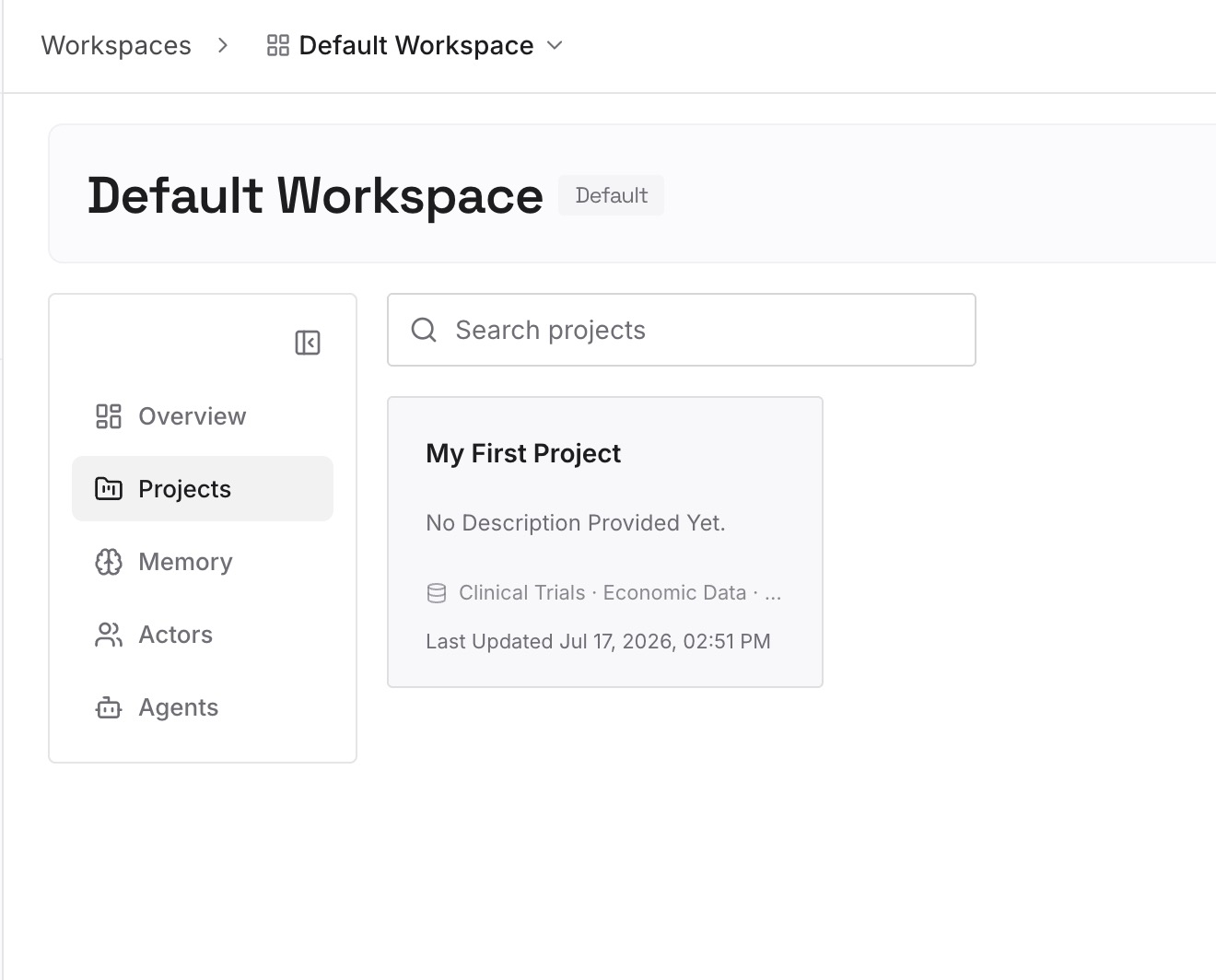
Step 2: Upload your first memories
Start with what you copied in Step 1 of the manual migration: the decisions, the constraints, and the points from project memory. One point per entry, dated.
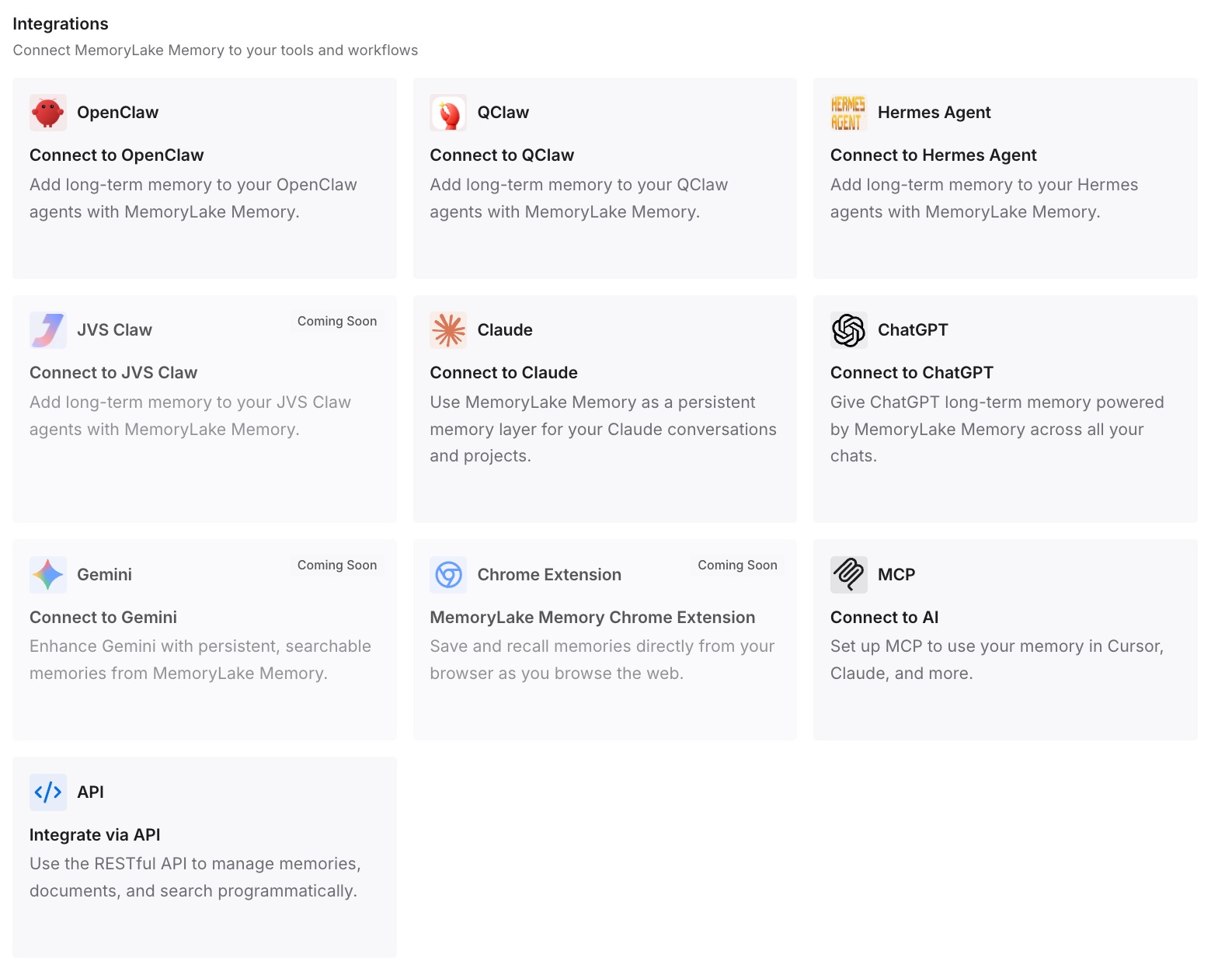
Step 3: Connect your AI & agents
Connect Claude Code and any other assistants you use. The same entries are available in the new account's projects and in other tools.
What this changes in practice
The first difference is a faster rebuild. The project's instructions and files still need recreating, but the decisions behind them are already written down.
The second is less dependence on project memory. What Claude learned in a project is tied to that account; the entries you wrote aren't.
The third is room for the next change. Accounts change more than once over a career, and the list doesn't have to be rebuilt each time.
Best practices for moving Claude projects
Check which case you're in. Personal to organization has a migration; personal to personal doesn't.
Copy instructions and files first. They carry most of a project's context.
Read project memory before you leave. Turn what matters into instructions or a knowledge file.
Keep original files. Don't rely on the export for knowledge files.
List skills, connectors, and scheduled tasks. None of them moves on its own.
Mind the 24-hour link. Request the export when you have time to download it.
Test the new project. Ask Claude to restate the rules before you rely on it.
Conclusion
Claude projects can move between accounts in one case: a personal account migrating into a Team or Enterprise organization, which brings projects, their instructions and files, sync configurations, and memory, but not skills, app connections, or cloud sessions. Between two personal accounts, Anthropic says exported data can't be imported and migration isn't supported, so a project moves by being rebuilt.
In both cases, the instructions, the knowledge files, and what the project memory knows are the parts to save first. Copy them before you switch, rebuild the project around them, and keep the decisions somewhere that doesn't depend on which account you're signed in to.