
Routines are now called scheduled tasks
Anthropic renamed the feature. Its documentation opens with "A cloud scheduled task, formerly a routine, is a saved Claude Code configuration: a prompt, one or more repositories, and a set of connectors, packaged once and run automatically."
The old name hasn't disappeared. The documentation has a section on where it still appears: in some accounts the sidebar and buttons still say Routines and New routine, the web address is claude.ai/code/routines, the CLI keeps /routines as an alias for /schedule, and the API's /fire endpoint keeps the routine naming. They all refer to the same feature.
A cloud scheduled task can have three kinds of trigger: a schedule, an API call to its own endpoint, and a GitHub event such as a pull request. One task can combine them.
Three ways to schedule work in Claude Code
The documentation compares the three options in one table. The rows that matter most for context:
- Cloud: runs on Anthropic-managed infrastructure by default, doesn't need your machine on, and has "No (fresh clone)" access to local files.
- Desktop: runs on your machine, needs it on, but doesn't need an open session, and has access to local files.
/loop: runs on your machine inside an open session and inherits that session's MCP servers and permissions.
The documentation's own advice: "Use cloud tasks for work that should run reliably without your machine. Use Desktop tasks when you need access to local files and tools. Use /loop for quick polling during a session."
What a cloud scheduled task starts with
A new session, every run
Each run of a cloud scheduled task is its own session. The documentation says that when you open a run from the task's History list, it "opens as a full session, a new one for each run". For GitHub triggers it's explicit: "Claude Code doesn't reuse sessions across events, so two PR updates produce two independent sessions."
So Tuesday's run doesn't start with Monday's conversation. It starts with the saved prompt and whatever the repository and environment provide.
A fresh clone of the repository
"Each repository you add is cloned on every run. Claude starts from the repository's default branch unless your prompt specifies otherwise." Work is pushed to a branch prefixed with claude/ unless the prompt says otherwise.
That clone is the main thing a run inherits. Claude Code's cloud environments page lists what comes with it: your repository's CLAUDE.md, .claude/rules/, and .claude/skills/ are available because they're "Part of the clone". The page also states the principle: "Anything you commit to the repo is available. Anything you've installed or configured only on your own machine isn't available in the session."
Nothing from your own machine
Your personal setup stays home. The same table lists your user ~/.claude/CLAUDE.md as not available, because it "Lives on your machine, not in the repo." Auto memory is also local: Claude Code's memory documentation says "Auto memory is machine-local" and "Files are not shared across machines or cloud environments." Our guide to Claude Code cloud sessions and your local setup has the full list of what stays behind.
That's why the flaky-test note didn't stick. You told Monday's run, in Monday's session. Tuesday's session started from the same prompt and a fresh clone, and the note was in neither.
You can continue a finished run yourself
A run isn't sealed when it ends. "Click any run to open it as a full session. From there you can see what Claude did, review changes, create a pull request, or continue the conversation." Continuing a run continues that session; it doesn't change what the next scheduled run starts with.
The exception: scheduled tasks in a project
Claude Code's new Projects change one thing. The documentation says "In a project, a run can continue a thread rather than start a new session." Scheduled tasks created from a project appear on that project's Scheduled tasks tab and run as threads there.
Projects also have their own memory. The projects documentation describes it as "Notes Claude keeps about the project, such as requirements, decisions, and pitfalls, stored as files", and every cloud thread reads its MEMORY.md index when it starts. When you correct a thread, the documentation suggests telling Claude to remember the correction: "it goes into project memory and later cloud threads start with it."
So inside a project, a scheduled run can either continue a thread or start a thread that reads project memory. Either way, it starts with more than a fresh clone. Projects are in public beta on Pro and Max plans and rolling out gradually. Our guide to Claude Code Projects and project memory covers how that memory works.
What a Desktop scheduled task starts with
Desktop tasks run on your computer. The documentation says "Scheduled tasks start a new session automatically at a time and frequency you choose." Like cloud tasks, each run is a new session.
What differs is the machine. A Desktop task has "direct access to your files and tools," so it runs with your local setup, and Claude Code's memory documentation says CLAUDE.md files and auto memory are loaded into every session. A Desktop run on your laptop can start from the same auto memory your interactive sessions use there.
The working directory matters too. The documentation notes: "By default, local scheduled tasks run against whatever state your working directory is in, including uncommitted changes." You can give each run its own isolated worktree instead, and our guide to whether Claude Code worktrees share memory explains what a worktree session loads.
Desktop tasks only run while the app is open and the computer is awake. The History view shows skipped runs and why they were skipped.
What /loop keeps
/loop is the only option that runs inside an existing conversation. The documentation describes "Session-scoped scheduled tasks" that "let Claude re-run a prompt automatically on an interval within a Claude Code session." Because each repetition happens in the same session, it has the context of that session, including what earlier repetitions found.
The trade-off is lifetime. "Tasks are session-scoped." When you resume with --resume or --continue, Claude Code restores tasks that haven't expired, and the documentation sets a seven-day expiry. For scheduling that outlives a session, it points to cloud or Desktop tasks.
What people try first
Telling the run to remember. In a cloud task outside a project, the next run is a new session with a fresh clone, so the instruction stays in the session where you gave it.
Editing ~/.claude/CLAUDE.md for a cloud task. User-level files aren't part of the clone.
Relying on auto memory in the cloud. It's machine-local.
Using /loop for a nightly job. It needs an open session on your machine and expires.
Assuming a successful run did the work. The documentation warns that the outcome labels "say how the session ended, not whether Claude completed the work your prompt describes," so read the transcript.
The Fix: Give each run something to read and somewhere to write
Step 1: Put standing knowledge in the repository
Anything every run should know goes where every run will see it. For a cloud task, that's a committed file: the root CLAUDE.md, a rule in .claude/rules/, or a notes file the prompt points to. A line saying the flaky test is known, tracked, and shouldn't be flagged belongs in a committed file, not in a reply to Monday's run.
Step 2: Make the prompt read and update a running log
If each run should build on the last, say so in the saved prompt. Point it to a file in the repository, such as docs/nightly-review-log.md, and tell it to read the file first and append what it found before it finishes. Because the run pushes to a claude/ branch, decide how those updates get merged so the next run's clone includes them. In a project, ask Claude to remember the finding instead, and later threads start with it.
Step 3: Review runs and correct the source
Open runs regularly and read what Claude did. When a run gets something wrong, fix it where the next run will read it: the committed file, the prompt, or project memory. Correcting it only in that run's conversation leaves the next run where it was.
Setting this up in MemoryLake
A scheduled task starts from its prompt and its repository. Your conventions, the decisions behind them, and what you've already ruled out often live somewhere else: in your head, in chat history, or in auto memory on one machine.
MemoryLake is a memory layer for keeping that context in one list you maintain, available to Claude Code and the other assistants you connect, such as ChatGPT and Codex.
You write the entries yourself, in your own words. Nothing is read out of, written to, or deleted from your scheduled tasks, your run sessions, your auto memory, your project memory, or any vendor's store. For work repositories, follow your organization's policy on what you keep outside them.
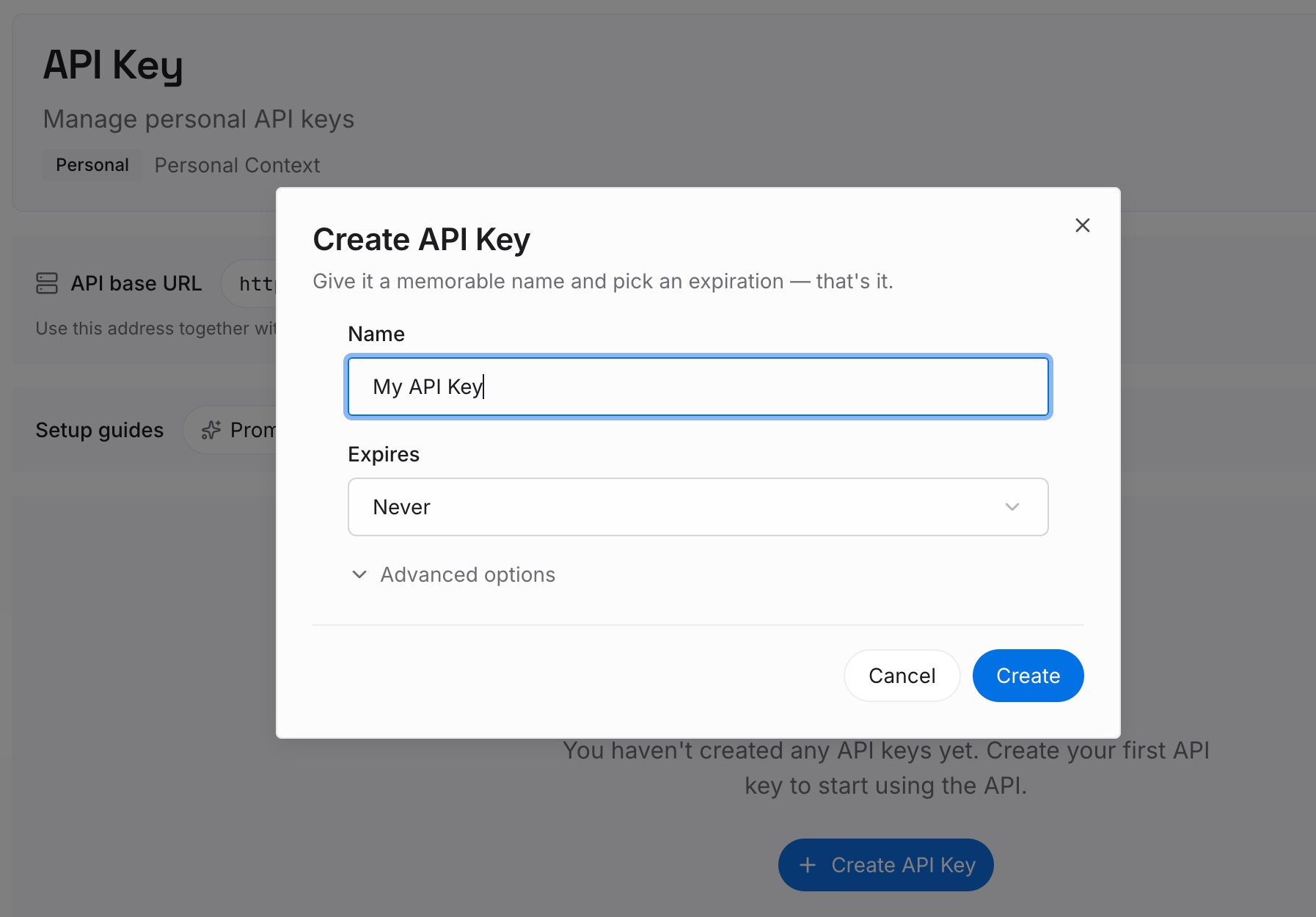
Step 1: Create an API key
Sign in and generate a key from the dashboard. The key belongs to your MemoryLake workspace and is separate from your Claude account.
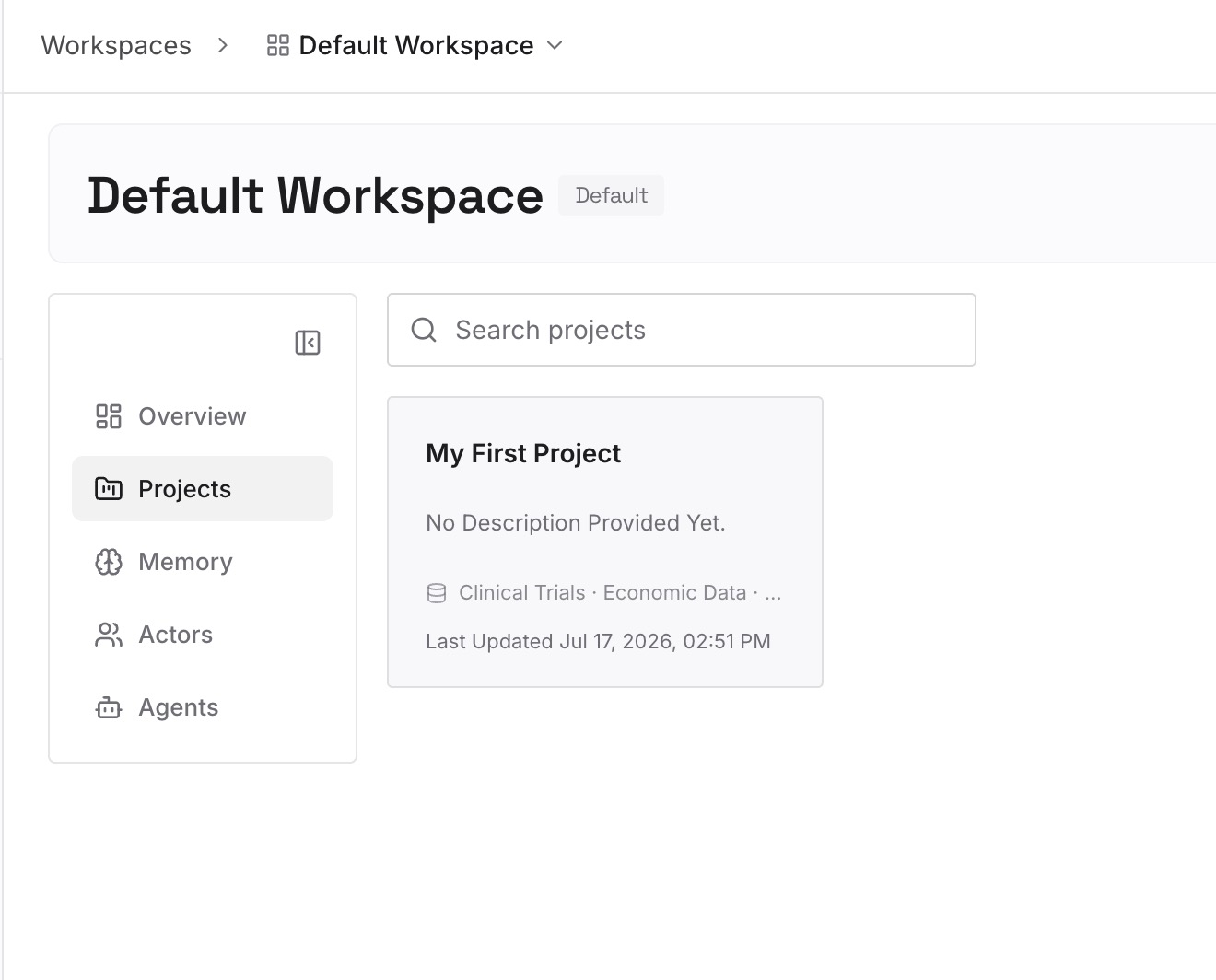
Step 2: Upload your first memories
Start with what you'd otherwise repeat to every run: known issues, review standards, and decisions about what to ignore. One point per entry, dated, and labeled with the repository it applies to.
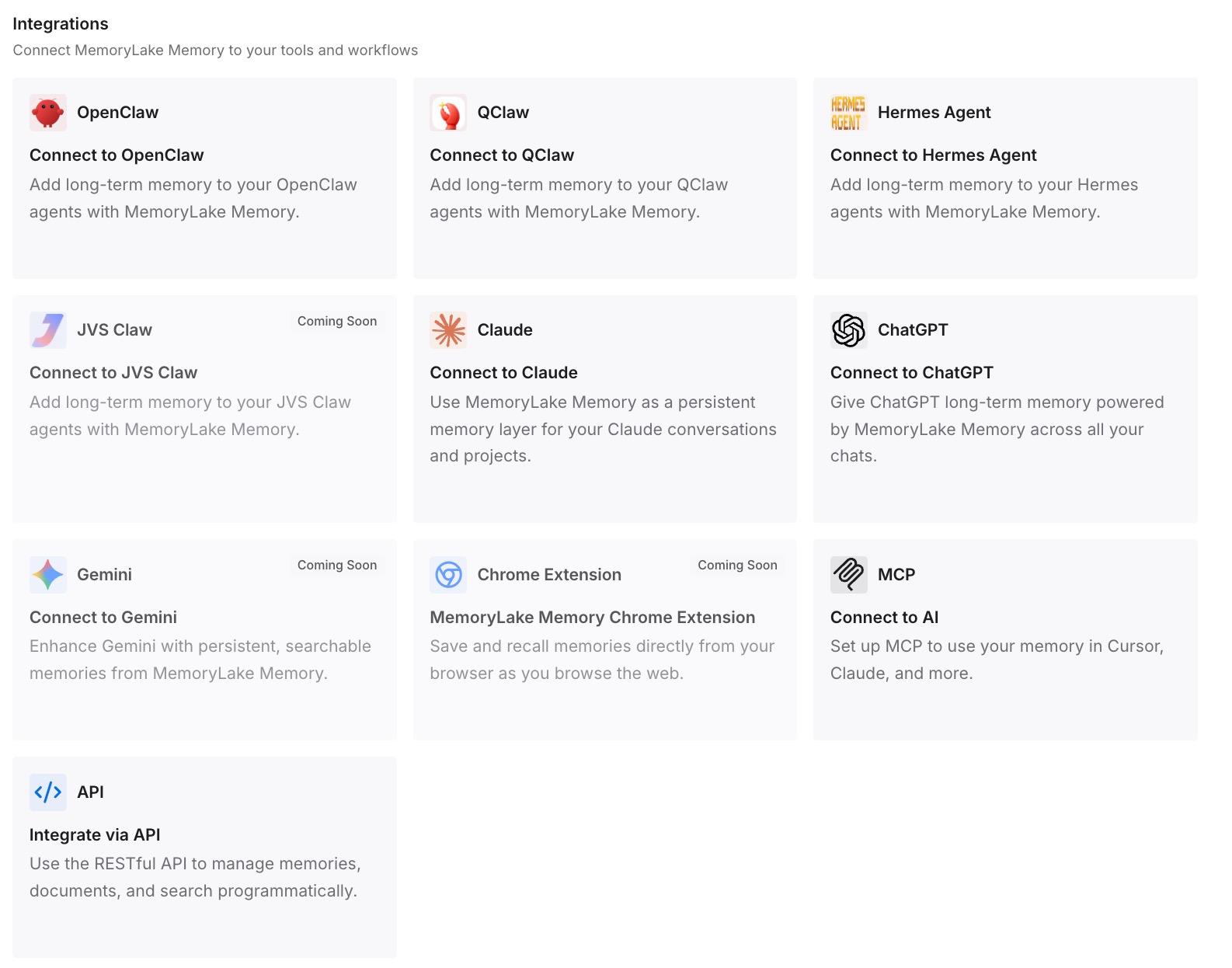
Step 3: Connect your AI & agents
Connect Claude Code and the other assistants you use. The context you rely on is in one place, whichever session or tool is doing the work.
What this changes in practice
The first difference is that a run's behavior stops being surprising. You know a cloud run starts from a fresh clone and a new session, and you know where the exceptions are.
The second is that corrections stick. They go into a file, the prompt, or project memory, not into a conversation the next run won't see.
The third is that you can pick the right kind of task. If you also schedule work in ChatGPT, our guide to ChatGPT scheduled tasks covers the same question there.
Best practices for Claude Code scheduled tasks
Treat each cloud run as a new session. Give it what it needs in the prompt and the repository.
Commit standing knowledge. CLAUDE.md, rules, or a notes file the prompt names.
Keep a running log if runs should build on each other. And make sure updates reach the branch the next run clones.
Use a project when you want continuity. Runs there can continue a thread or start from project memory.
Use Desktop tasks for work that needs your local setup. They run with your files and auto memory.
Keep /loop for short polling. It lives in one session.
Read transcripts, not just outcomes. A succeeded run only means the session ended normally.
If Claude Code also forgets your setup when you switch computers, our guide to Claude Code on another machine covers that case.
Conclusion
Claude Code routines are now called cloud scheduled tasks. Each cloud run is a new session that starts from a fresh clone of your repositories and the saved prompt, without your local setup or auto memory. Inside a project, a run can continue a thread and threads start from project memory. Desktop tasks run as new sessions on your machine with your local files, and /loop repeats inside one session until it ends or expires.
To make runs build on each other, put what they need in the repository, have the prompt read and update a log, and fix mistakes where the next run will read them.