
Why copying the session file does not work
A Claude Code session is a saved conversation tied to a project directory. By default the transcript lives as JSONL at ~/.claude/projects/<project>/<session-id>.jsonl, where the project segment is your working directory path with non-alphanumeric characters replaced by hyphens.
So the file is right there, and copying it looks like the answer. Here is the documented behaviour when you do:
"The cross-project search resolves the ID only when exactly one other project holds a transcript with messages for it, so a hand-copied duplicate makes Claude Code report not-found rather than resume an arbitrary copy."
Read that twice. The lookup is not failing to find your copy. It is finding two candidates and refusing to guess. Copying the file is the action that breaks the resume, and the more careful you were — copying rather than moving, keeping the original safe — the more certainly you land in the failure.
There is a second reason not to build on that file, stated just as plainly:
"The entry format is internal to Claude Code and changes between versions, so scripts that parse these files directly can break on any release. To build on session data, use /export or the script interfaces instead."And a third thing worth knowing before you plan around the file at all: transcripts age out. The retention sweep runs on a thirty-day default, adjustable through a settings key. A transcript is a working artifact, not an archive.
This is a different problem from rewinding a session to an earlier point, which stays inside one machine and one session, and a different problem again from forking a remote session from the Claude app, where the copy is made by the tool and registered properly. Here the question is how a conversation's substance reaches a machine that never had it.
What people try instead
Copying the JSONL and resuming by ID. Covered above. The duplicate is what causes the not-found.
Copying the whole project directory under ~/.claude/projects. Same mechanism, larger blast radius. You now have two directories holding transcripts with messages for the same IDs.
Writing a script that parses the JSONL into a summary. This works until the next release. The format is explicitly internal and documented as changing between versions.
Resuming and hoping the launch configuration comes with it. It does not, and the list of what needs passing again is specific: "If the session depended on --mcp-config, --settings, --plugin-dir, --fallback-model, or directories added with --add-dir, pass them again when you resume." Directories added mid-session with the add-directory command are not restored either. Settings files are re-read at launch, so anything living in them does come back.
Assuming everything in the conversation survives. Most of it does. A resumed session restores the full history including tool calls and results. But a tool still running when the previous process ended "doesn't finish or run again when you resume; Claude continues without its output." If your last action was a long build, its result is not in the resumed conversation.
Relying on a summary you did not ask for. On a Pro or Max plan, resuming a session that has been inactive for more than about an hour and is over 100,000 tokens opens a dialog first. One option runs the compaction immediately and "replaces the history with the summary, your most recent exchanges, and up to five recently read files." That is a reasonable default and a poor archive, for the same reasons that make choosing what survives compaction a deliberate act.
The Fix: Export a readable record, then carry the decisions separately
Two artifacts do two different jobs. Export gives you the conversation as a document. The decisions inside it need to travel as facts, not as a transcript.
Step 1: Export the conversation while the session is still open
Run the export command inside the session. It opens a menu that lets you copy the conversation to the clipboard or save it as a plain-text file, with messages and tool outputs rendered as readable text. Pass a filename and it skips the menu and writes straight to that file.
What you get is described precisely: "/export produces a rendered transcript for a person to read." That is the right expectation. It is a document you or a colleague can read on any machine, in any editor, with no dependency on a Claude Code version.
Do this before you stop for the day rather than after. The export runs against the live conversation, and it is the one step that gets harder once the retention sweep or a compaction dialog has had a turn.
Step 2: Pull the decisions out of the export into standalone facts
Open the exported file and read it for conclusions rather than narrative. You are looking for the small number of lines that would change what someone does tomorrow.
Three kinds are worth extracting. Decisions that were argued and settled — the migration runs before the backfill, and the reason. Constraints discovered the hard way — this table cannot be altered while the job is running. Vocabulary the next session will otherwise get wrong — what your team means by a tenant.
Write each as one sentence that stands on its own, without reference to the conversation. "We decided to run the migration first" is not portable. "The migration must run before the backfill because the backfill reads the new column" is. The test is whether the sentence still makes sense to someone who never saw the session, which is the same test that separates an indexed log of what happened from usable memory.
Step 3: Resume by ID on the original machine, start fresh on the new one
On the machine that ran the session, resume by ID from any directory. The lookup searches the current project and its worktrees first, then every other project on the machine, so a session that started elsewhere or moved still resolves — provided exactly one transcript holds messages for it. Pass the launch flags the session depended on.
On the new machine, do not try to resume. Start a session and give it the facts from Step 2. That is the whole handoff, and it is faster than it sounds, because the facts are short by construction.
If you want the export file itself available on both machines, keep it wherever you keep working documents. Just keep it out of ~/.claude/projects, because a copy of a transcript in a second project directory is exactly the duplicate that causes the not-found.
Setting this up in MemoryLake
Step 2 produces a set of one-sentence facts that need to be readable from whichever machine you sit at next. MemoryLake is a place to put them so the handoff does not depend on a file you remembered to sync.
You write the entries yourself, in your own words. Nothing is read out of, written to, or deleted from Claude Code's transcript files, ~/.claude, or any vendor's store.
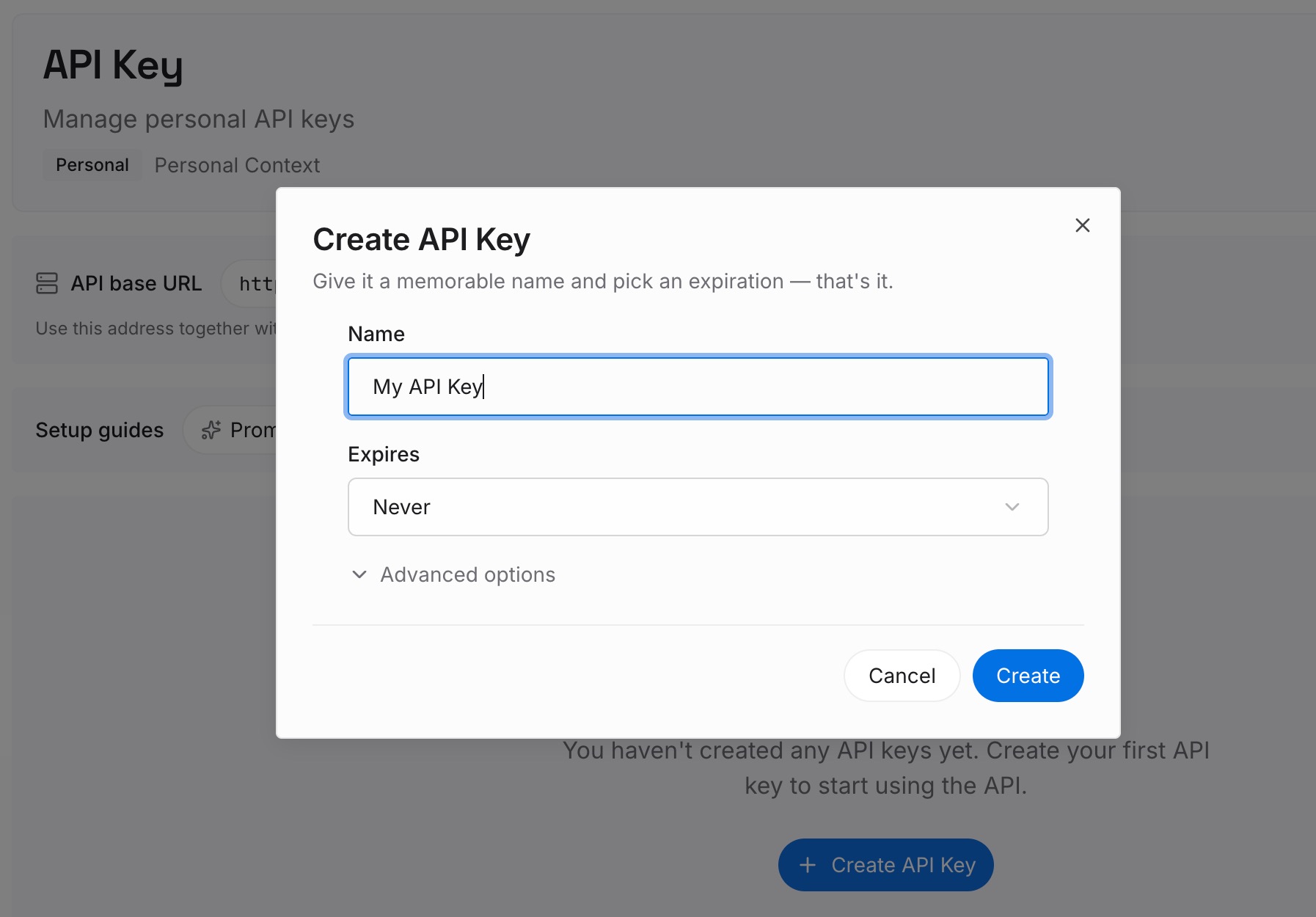
Step 1: Create an API key
Sign in and generate a key from the dashboard. The key is what lets an agent on any machine read the entries, which is the part a copied file cannot give you.
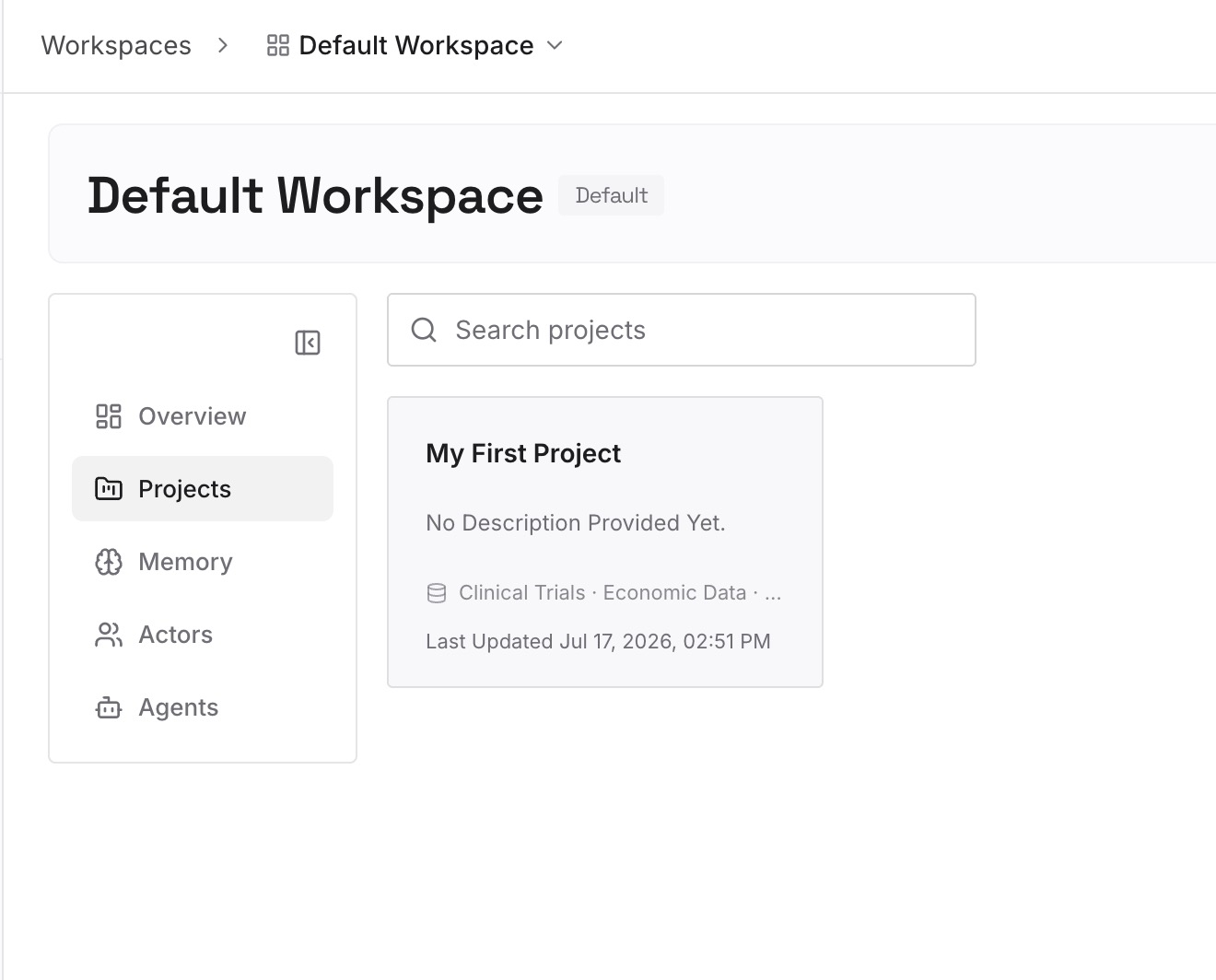
Step 2: Upload your first memories
Add the decisions, constraints, and vocabulary from Step 2 above, one fact per entry. Keep the exported transcript as the long-form record; the entries are the part that needs to be read at the start of the next session.
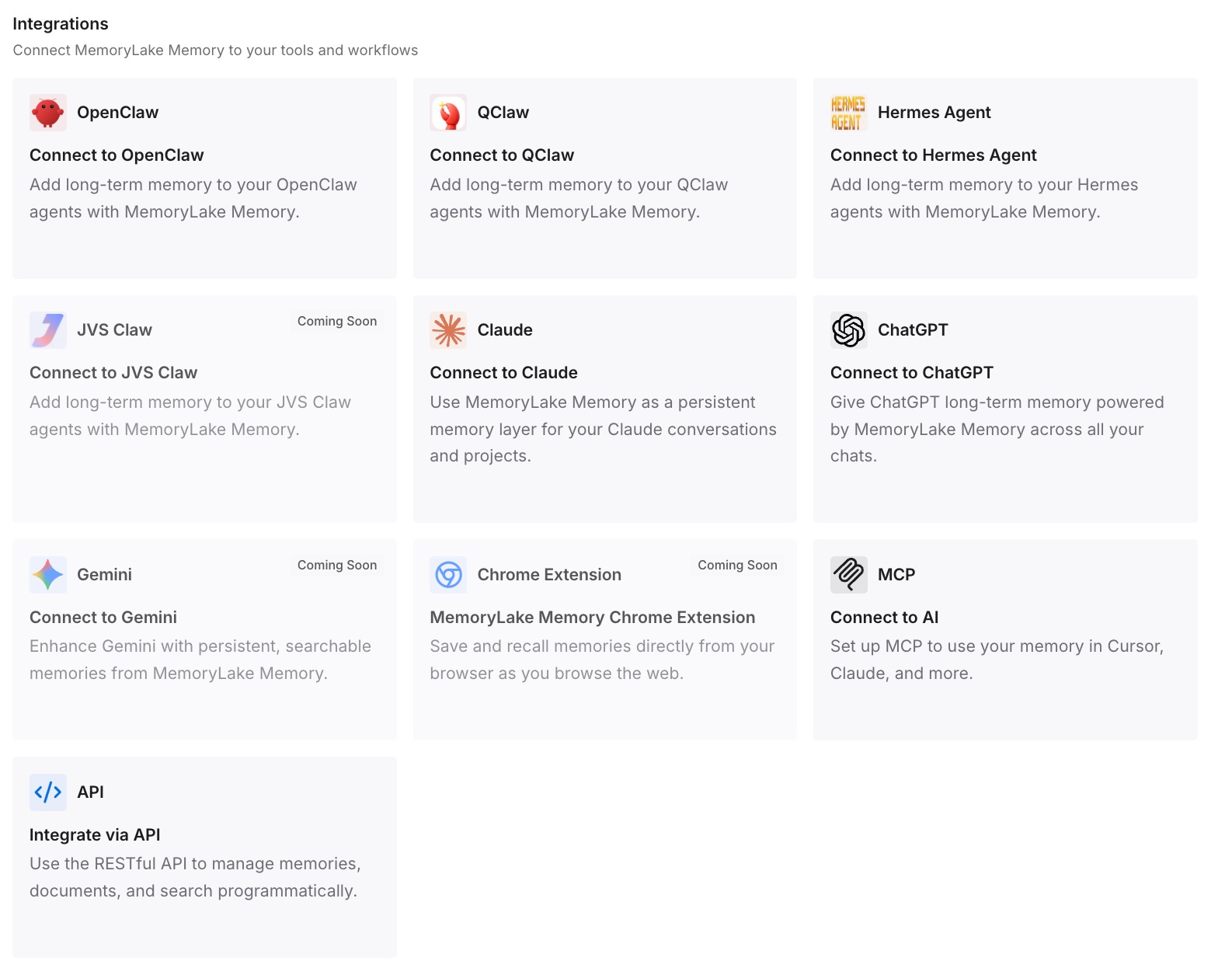
Step 3: Connect your AI & agents
Point the agents on both machines at the same workspace. A new session then starts with the settled decisions already available, instead of starting from a conversation it cannot open.
What this changes in practice
The first change is that the handoff stops being a file operation. You are no longer trying to make one machine's local state appear on another machine, which is a problem the tool deliberately refuses to solve for you.
The second is that the two artifacts stop competing. The export is a readable record of how you got somewhere — useful in a pull request description, a handover note, or an incident writeup. The facts are what the next session needs loaded. Trying to make one artifact do both jobs is what produces the giant transcript nobody reads and the new session that knows nothing.
The third is that version churn stops mattering. A rendered export is plain text forever. A JSONL transcript is an internal format that is documented as changing between releases, so anything you built on it is a maintenance commitment you did not mean to take on.
There is also a privacy dimension worth naming, since it changes what you should export at all. Transcript writes can be suppressed entirely through an environment variable, and a single non-interactive run can be told not to persist its session. If you work in a context where conversations should not sit on disk, those switches exist — and it means the export step becomes the only record, so do it deliberately. This is a different artifact from the account-level data export you request from Claude, which covers the consumer apps rather than the CLI's local transcripts.
Teams that work across a laptop and a desktop tend to hit this fastest, and the fix is the same one that stops context going missing when you change machines: the durable part has to live somewhere neither machine owns.
Best practices for moving work between machines
Export at the end of a working session, not at the start of the next one. The export is a live operation against the current conversation. Retention sweeps, compaction dialogs, and simple forgetfulness all sit between you and yesterday's session.
Never place a transcript copy inside a second project directory. This is the single action most likely to make a resume fail. Keep exports with your documents.
Write the launch flags down next to the export. A resumed session does not restore the configuration flags it was started with. A one-line note saying which flags the session needed saves the twenty minutes of working out why the tools are missing.
Treat the thirty-day retention as the real deadline. The default sweep is thirty days and it is a settings key, not a promise. Anything you want in six months needs to be an export or a fact, not a transcript.
Name your sessions. A named session resolves by name across the repository and its worktrees, which makes the original machine's resume trivial and makes your notes legible. An unnamed session is an ID you will not recognise.
Separate "what we decided" from "what we discussed." The first is short and belongs in the handoff. The second is long and belongs in the export. Sessions that lose the thread usually lost it because the project's decisions were never written anywhere outside the conversation.
Use a summary request rather than a parser. If you want structured output from an old session, send it a follow-up prompt by ID and capture the structured response. That is a supported interface. Parsing the JSONL is not.
Conclusion
Claude Code stores your conversation in a file you can see, which makes copying it feel like the obvious way to move work. It is the one approach the tool is built to refuse, and it refuses by reporting not-found rather than resuming a copy it cannot verify.
The supported path is smaller and more durable. Export the conversation as a readable document while the session is open. Pull the handful of decisions, constraints, and terms out of it as standalone sentences. Resume by ID on the machine that has the transcript, and start fresh on the machine that does not, with the facts already loaded.
That split also happens to be what lets more than one person pick the work up, which is the same reason sharing context between sessions is a writing problem before it is a tooling problem.