
The short answer
Claude has no direct push to Perplexity. You'll download Project Knowledge files, copy each Project's System Prompt, and rebuild them inside Perplexity as Spaces with their own Instructions and uploaded Files. Plan 20–40 minutes per Project. Chat threads do not transfer. A shared MCP-based memory layer like MemoryLake lets both tools read the same source instead.
Why people switch from Claude to Perplexity
Common 2026 drivers:
- Source-linked research answers. Perplexity returns answers with inline citations, which research and content workflows need.
- Live web grounding by default. Every Perplexity answer pulls from current sources rather than relying on the model alone.
- Shareable Spaces for teams. Researchers and writers collaborate on the same Space without screen-sharing or copy-paste.
What "memory" means in Claude vs Perplexity
The two abstractions aren't identical but map closely.
Claude memory lives inside Projects. Each Project has its own Project Knowledge (uploaded files and pasted text) and an optional System Prompt. There is no global cross-chat memory.
Perplexity memory lives inside Spaces. Each Space has its own Instructions (system prompt), Files (uploaded reference material), and Threads (conversations scoped to that Space).
A Claude Project usually becomes a Perplexity Space. Project Knowledge files become Space Files. The System Prompt becomes the Space's Instructions.
Step 1: Export your Claude memory
Claude has no Project-export bundle.
- Capture each Project's System Prompt. Open the Project → Project Instructions. Copy the contents into a text file labelled with the Project name.
- Download Project Knowledge files. Open Project Knowledge, click each file, and download the original. Re-upload from your local folder if available — that's faster than re-downloading.
- Copy pasted-text knowledge. For knowledge added as pasted text, select all and save it into a
notes.mdper Project. - Export chat history (optional). Settings → Account → Export Data. Useful as an archive.
End state: one folder per Claude Project containing the System Prompt, original files, and notes.md.
Step 2: Import into Perplexity
Perplexity centers everything on Spaces.
- Create a Space per Project. Spaces → Create Space. Name it after the Claude Project.
- Paste the System Prompt as the Space's Instructions. Open Space settings and paste the Project's System Prompt into the Instructions field. Adapt references — "Claude" should read "the assistant" or "Perplexity."
- Upload Knowledge files to the Space's Files area. Drag in the downloaded files. Perplexity supports PDFs and standard document formats.
- Add pasted-text knowledge. If your notes.md is short, paste it into Instructions. If it's long, save it as a Markdown file and upload it as a Space File.
- Validate. Start a Thread inside the Space and ask a question that depends on a moved file or instruction.
Perplexity does not import Claude chat history.
What you'll still lose after migrating
- Conversation continuity. Past Claude threads stay in their export but won't shape Perplexity.
- System Prompt length tolerance. Very long Claude system prompts may need trimming for Space Instructions.
- Pasted-text ergonomics. Perplexity reads uploaded files cleanly; long pasted text in Instructions can crowd out other guidance.
- Ongoing sync. A snapshot today doesn't propagate later Project Knowledge updates in Claude into Perplexity.
The better way: one memory layer, every AI
The structural cost is the per-tool walls. The fix is to hold memory outside any single AI.
MemoryLake stores your context once and exposes it through MCP. Claude and Perplexity can both read from the same MemoryLake Project through a single endpoint.
- One source of truth. Update once; both sides see the change.
- Drop-in for the next AI. Add a third tool later with a config change.
- Originals stay intact. Files live in MemoryLake's Document Drive in native formats.
Connect MemoryLake in 3 steps
Step 1: Create a project and load your context
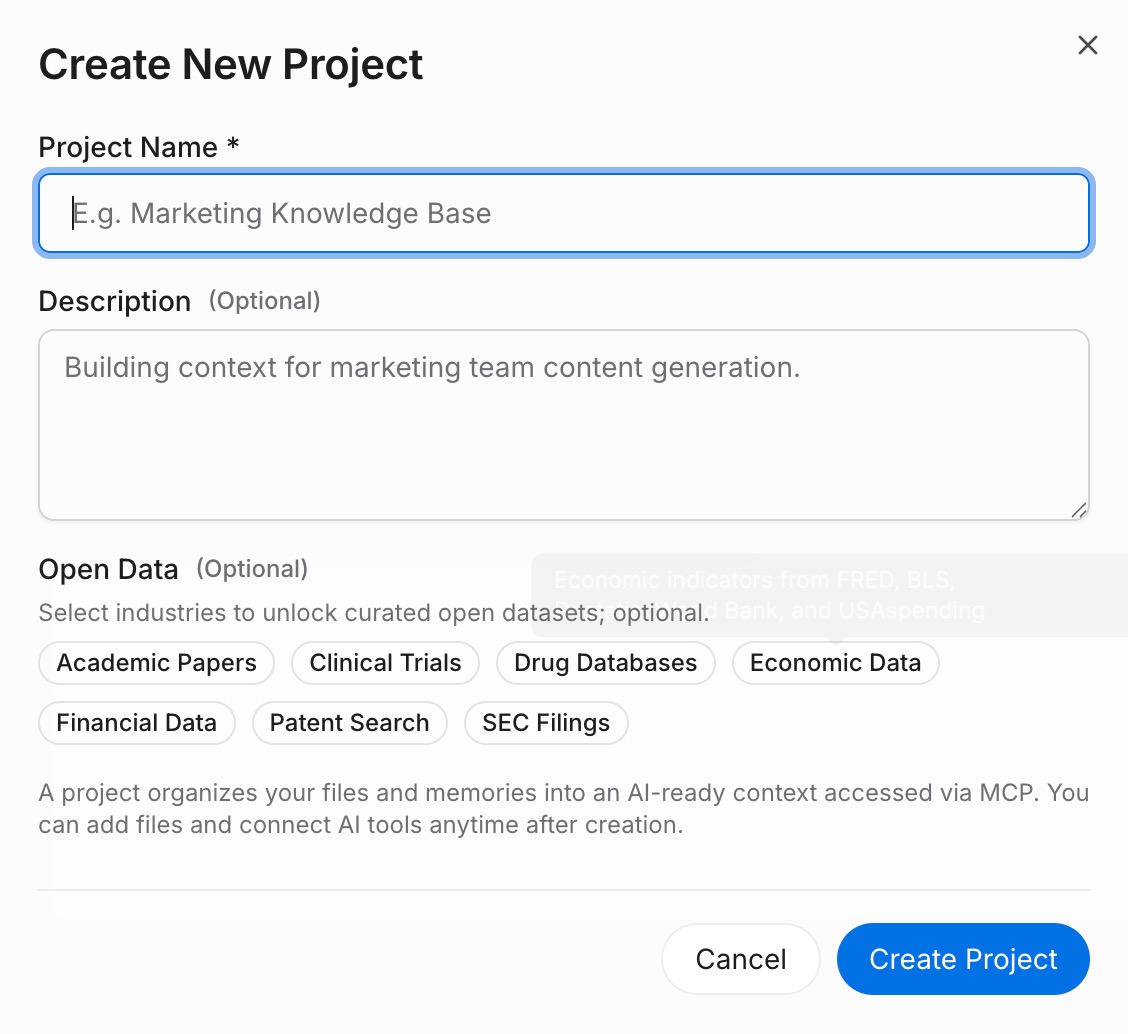
Sign in to MemoryLake, open Project Management, and click Create Project. Name it "Claude ↔ Perplexity shared context." Drag your downloaded Claude files (PDF, Word, Excel, PowerPoint, Markdown, or images) into the Document Drive under My Space, then open the Documents Tab and click Add Documents. Paste each System Prompt and any notes into the Memories Tab via Add Memory.
Step 2: Generate an MCP Server endpoint
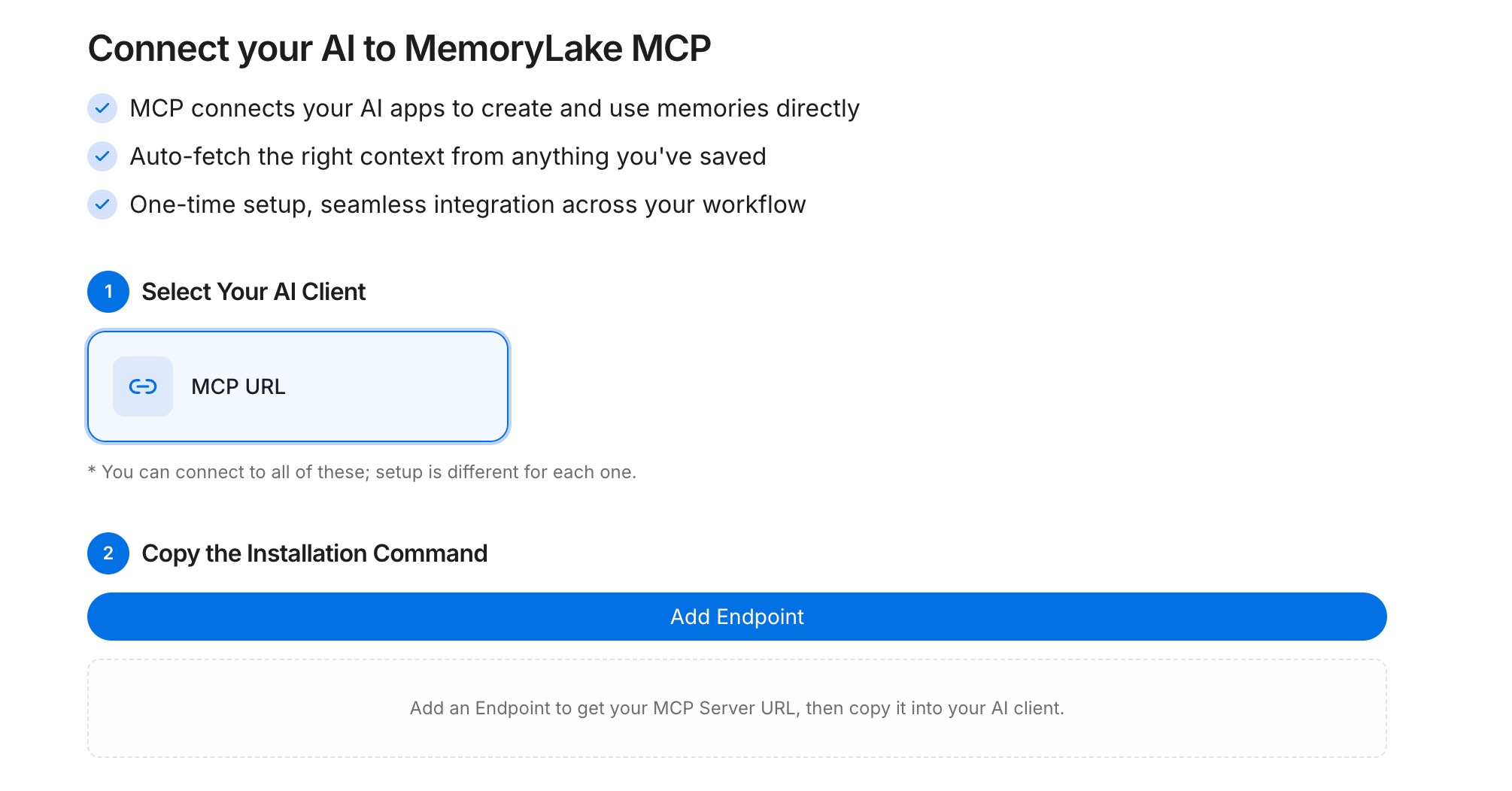
Open the MCP Servers Tab inside the project, click Add MCP Server, describe it (e.g., "Claude + Perplexity bridge"), and click Generate. MemoryLake returns a Key ID, a Secret, and an Endpoint URL. Copy the Secret immediately — it is shown only once.
Step 3: Point both tools at the endpoint
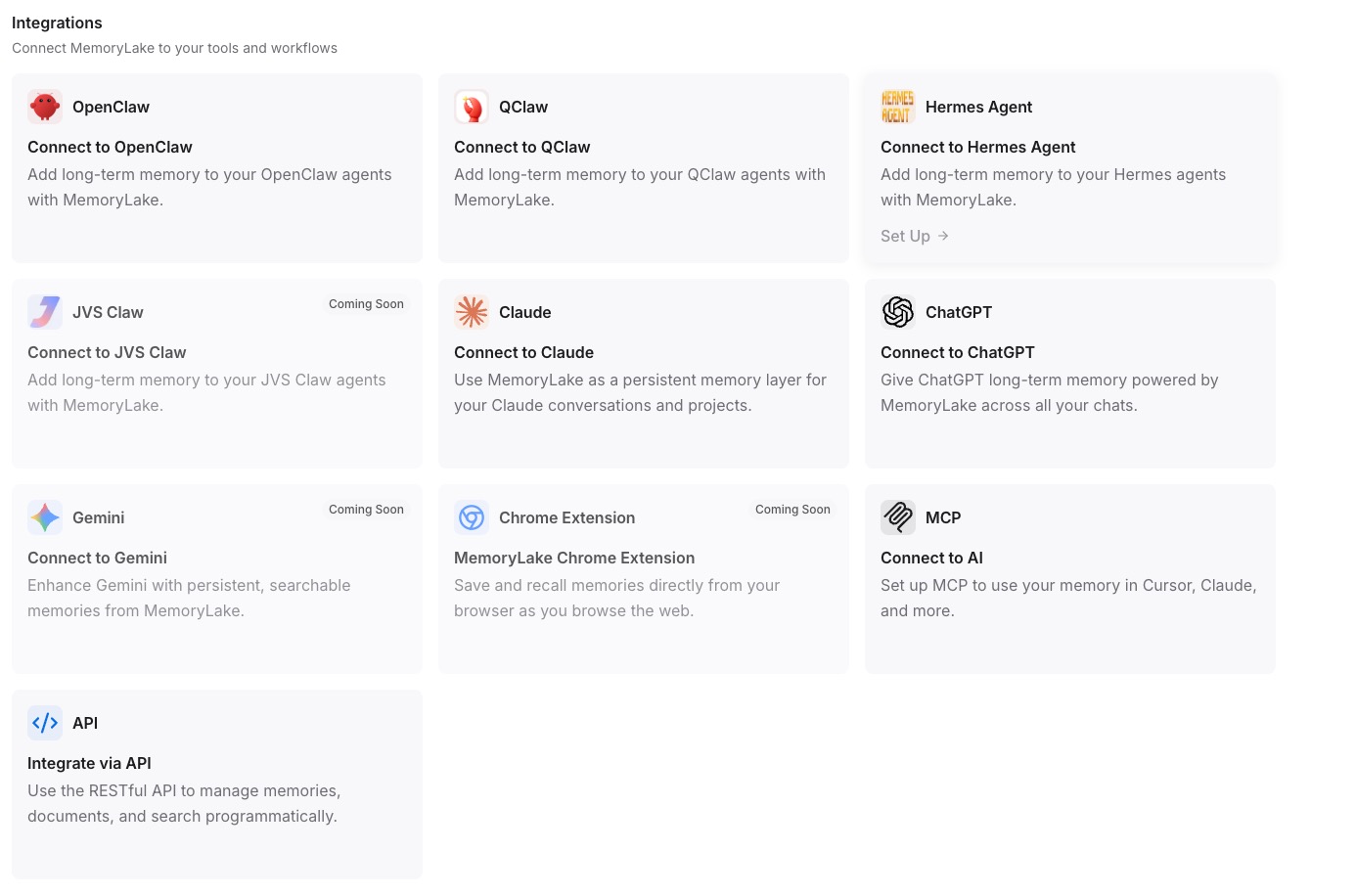
Add MemoryLake to Claude Desktop's MCP config with the endpoint URL and the Secret as a Bearer token, then restart Claude. For Perplexity, build a small integration that calls the same REST endpoint with the Bearer token and injects the returned context into a Space's Instructions or the thread's opening prompt.
Native migration vs MemoryLake
| Dimension | Native Claude → Perplexity | MemoryLake bridge |
|---|---|---|
| Steps required | 8–10 manual | 3 one-time |
| Estimated time | 20–40 min per Project | ~5 min setup |
| Preserves Project → Space boundary | Yes (manual) | Yes (one Project) |
| Preserves version history | No | Yes |
| Syncs ongoing changes | No | Yes |
| Works with a third AI later | No (rebuild) | Yes (add MCP) |