
The short answer
Claude has no native push to ChatGPT. You'll download each Project's Knowledge files, copy each Project's System Prompt, then rebuild that context inside ChatGPT as a Custom GPT (per Project) and Memory entries (for cross-Project facts). Plan 25–45 minutes per Project. Chat history does not transfer. A shared MCP-based memory layer like MemoryLake lets both tools read the same source.
Why people switch from Claude Projects to ChatGPT
Three drivers in 2026:
- GPT Store distribution. Custom GPTs reach a broad audience; Claude Projects remain private to your account or team.
- Built-in Capabilities. Web browsing, code interpreter, and image generation come bundled in ChatGPT.
- Org consolidation. Teams standardizing on a single AI vendor often pick ChatGPT for the breadth of integrations and Custom GPTs.
What "memory" means in Claude Projects vs ChatGPT
Different surfaces, different reach.
Claude Projects are containers with Project Knowledge (uploaded files and pasted text) plus an optional System Prompt. They are scoped — nothing leaks across Projects.
ChatGPT memory spans Custom Instructions (a global pair of fields), Memory (saved facts pulled across every chat), and Custom GPTs (project-like containers with their own instructions and Knowledge).
A Claude Project usually becomes a Custom GPT. Cross-Project facts become Memory entries. Global preferences condense into Custom Instructions.
Step 1: Export your Claude Projects
Claude has no Project-export bundle.
- Capture each Project's System Prompt. Open the Project → Project Instructions. Copy the contents into a text file labelled with the Project name.
- Download Project Knowledge files. Click each file and download originals. Re-upload from local copies if available.
- Copy pasted-text knowledge. Save into a
notes.mdper Project. - Identify cross-Project facts. If certain facts repeat across many Projects, list them in a
shared-facts.md— they'll become ChatGPT Memory entries, not per-GPT Knowledge.
End state: one folder per Claude Project containing the System Prompt, original files, notes.md, and a shared-facts.md at the top level.
Step 2: Import into ChatGPT
ChatGPT lands the import across three surfaces.
- Create a Custom GPT per Project. Open GPT Builder → Create. Paste the System Prompt into Instructions. Upload original files as Knowledge.
- Add Conversation Starters. Suggest four typical prompts to mirror the Project's purpose.
- Pin cross-Project facts to Memory. Settings → Personalization → Memory. Add each entry from shared-facts.md as a single Memory item.
- Promote global preferences to Custom Instructions. Settings → Personalization → Custom Instructions. Paste universal guidance into "How would you like ChatGPT to respond?"
- Validate. Open each Custom GPT and ask a question that depends on a moved file or instruction.
ChatGPT does not import Claude chat history.
What you'll still lose after migrating
- Project boundary fidelity. Custom GPT Knowledge can leak feel less isolated than a Claude Project to careful users.
- MCP-based tool depth. Tools you added through Claude Desktop's MCP config need rebuilding as Custom GPT Actions.
- System Prompt length. Long Claude system prompts may need compression for GPT Builder.
- Ongoing sync. A snapshot today doesn't propagate later Project Knowledge updates in Claude into ChatGPT.
The better way: one memory layer, every AI
Every migration is the same rebuild because every AI keeps memory inside itself. The fix is to put memory outside any one AI.
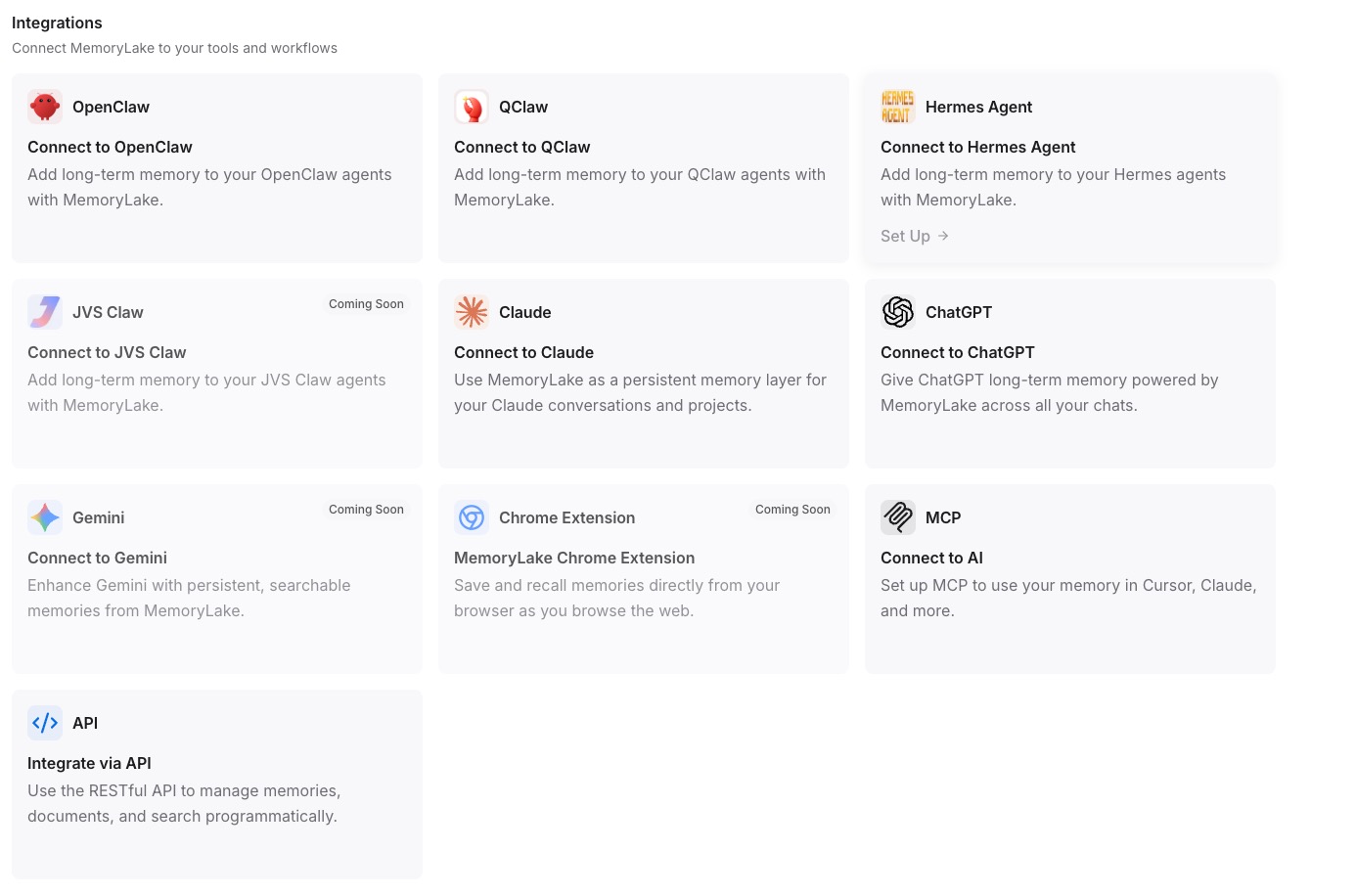
MemoryLake stores your context once and exposes it through MCP. Claude reads it natively through Desktop's MCP config; your ChatGPT Custom GPT reads it through an Action calling the same REST endpoint.
- One source of truth. Update once; both sides see the change.
- Drop-in for the next AI. Add Gemini or a coding agent later with a config change.
- Originals preserved. Files live in MemoryLake's Document Drive in native formats.
Connect MemoryLake in 3 steps
Step 1: Create a project and load your context
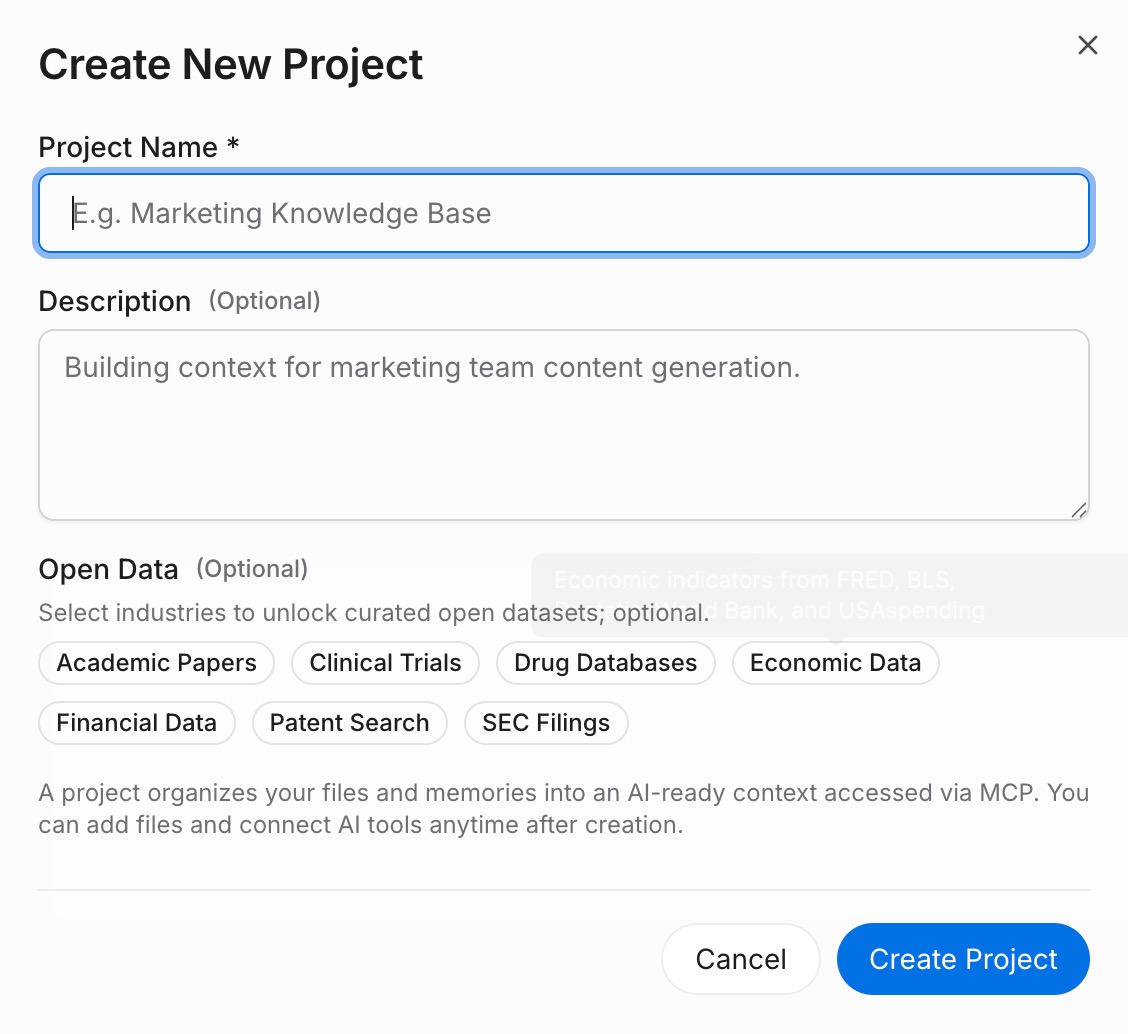
Sign in to MemoryLake, open Project Management, and click Create Project. Name it "Claude Project ↔ ChatGPT shared context." Drag your downloaded Claude files (PDF, Word, Excel, PowerPoint, Markdown, or images) into the Document Drive under My Space, then open the Documents Tab and click Add Documents. Paste each System Prompt and your shared-facts entries into the Memories Tab via Add Memory.
Step 2: Generate an MCP Server endpoint
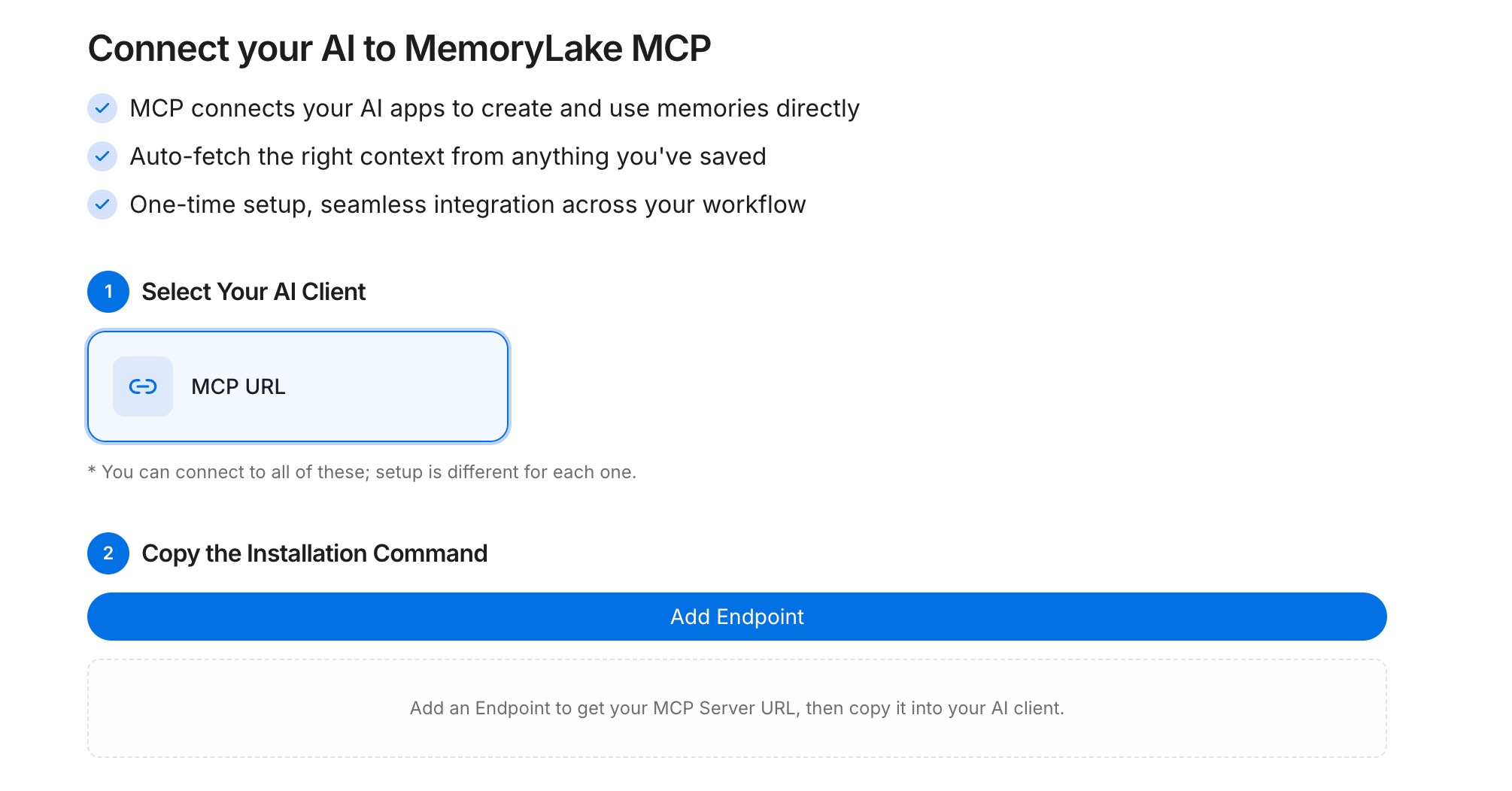
Open the MCP Servers Tab inside the project, click Add MCP Server, describe it (e.g., "Claude + ChatGPT bridge"), and click Generate. MemoryLake returns a Key ID, a Secret, and an Endpoint URL. Copy the Secret immediately — it is shown only once.
Step 3: Point both tools at the endpoint
Add MemoryLake to Claude Desktop's MCP config with the endpoint URL and the Secret as a Bearer token, then restart Claude. For ChatGPT, configure a Custom GPT Action that calls the same REST endpoint with the Bearer token so each chat can fetch project memory.
Native migration vs MemoryLake
| Dimension | Native Claude Project → ChatGPT | MemoryLake bridge |
|---|---|---|
| Steps required | 9–12 manual | 3 one-time |
| Estimated time | 25–45 min per Project | ~5 min setup |
| Preserves System Prompt + Knowledge | Yes (manual) | Yes (one Project) |
| Preserves MCP tools | No (rebuild as Actions) | MCP endpoint shared |
| Syncs ongoing changes | No | Yes |
| Works with a third AI later | No (rebuild) | Yes (add MCP) |