
The short answer
ChatGPT has no native push to Windsurf. You'll copy ChatGPT Custom Instructions and any coding-related Custom GPT Instructions into .windsurfrules (at each repo root) and Windsurf's global rules (for cross-repo guidance), and translate reusable prompts into Cascade memories. Plan 15–25 minutes per repo. A shared MCP-based memory layer like MemoryLake lets both tools read the same source.
Why people switch from ChatGPT to Windsurf
Three drivers in 2026:
- Cascade agent loop. Multi-file edits stay coherent inside one Cascade run.
- Repo-aware grounding. Windsurf reads your codebase by default; ChatGPT needs files attached.
- MCP and tool integration. Windsurf exposes MCP servers and shell access in ways the browser ChatGPT doesn't.
What "memory" means in ChatGPT vs Windsurf
Different scopes.
ChatGPT memory spans Custom Instructions (global), Memory (saved facts pulled across chats), and Custom GPTs (project-like containers with their own Instructions and Knowledge).
Windsurf memory spans .windsurfrules (project-level), global rules (user-level), and Cascade memory (persistent memories Cascade saves during agentic work).
ChatGPT Custom Instructions become Windsurf's global rules. Coding-specific Custom GPT Instructions become .windsurfrules. Reusable prompts become Cascade memories.
Step 1: Export your ChatGPT memory
ChatGPT has no single export.
- Copy Custom Instructions. Settings → Personalization → Custom Instructions.
- Copy saved Memory entries. Same page → Memory. Paste each row into a text file.
- Identify coding-relevant Custom GPTs. For each, copy Instructions and supply your originals of any Knowledge files.
- List reusable prompts. Save them as one prompt per entry in a
prompts.md.
End state: a chatgpt-export-coding/ folder with custom-instructions.txt, memory.txt, per-Custom-GPT subfolders, and prompts.md.
Step 2: Import into Windsurf
Windsurf expects per-repo and user-level configuration.
- Set global rules. Open Windsurf settings and paste your ChatGPT Custom Instructions into the global rules area.
- Create
.windsurfrulesat each relevant repo root. Paste coding-specific Custom GPT Instructions, restructured for that repo's stack. - Add Knowledge as repo docs. Place reference materials under
docs/in the repo and reference them in.windsurfrules. - Open Cascade and add Cascade memories. During a session, save reusable prompts as Cascade memories.
- Wire up MCP servers. If any Custom GPT used Actions, rebuild as MCP servers and add them to Windsurf's MCP configuration.
- Probe. Open Cascade and run a small task that depends on a moved rule.
What you'll still lose after migrating
- Browser conversation flow. Windsurf is IDE-bound; long ideation feels different.
- Cross-chat Memory behavior. Windsurf reads
.windsurfrulesper session; it doesn't auto-pull arbitrary facts the way ChatGPT Memory did. - Image and audio modes. Windsurf is text-centric.
- Ongoing sync. New ChatGPT memory added next week won't appear in
.windsurfrulesunless you redo the copy.
The better way: one memory layer, every tool
If you still use ChatGPT for ideation and Windsurf for coding, the per-tool drift starts immediately. Cross-repo standards end up in two places.
MemoryLake holds those rules once and exposes them through MCP. Windsurf reads MCP natively; ChatGPT can read the same MemoryLake project through a Custom GPT Action calling its REST endpoint.
- One source of truth. Update once; both tools see the change.
- Cross-repo standards. Team conventions live above any single repo.
- Drop-in for the next tool. Add Cursor or Claude Code later with a config change.
Connect MemoryLake in 3 steps
Step 1: Create a project and load your context
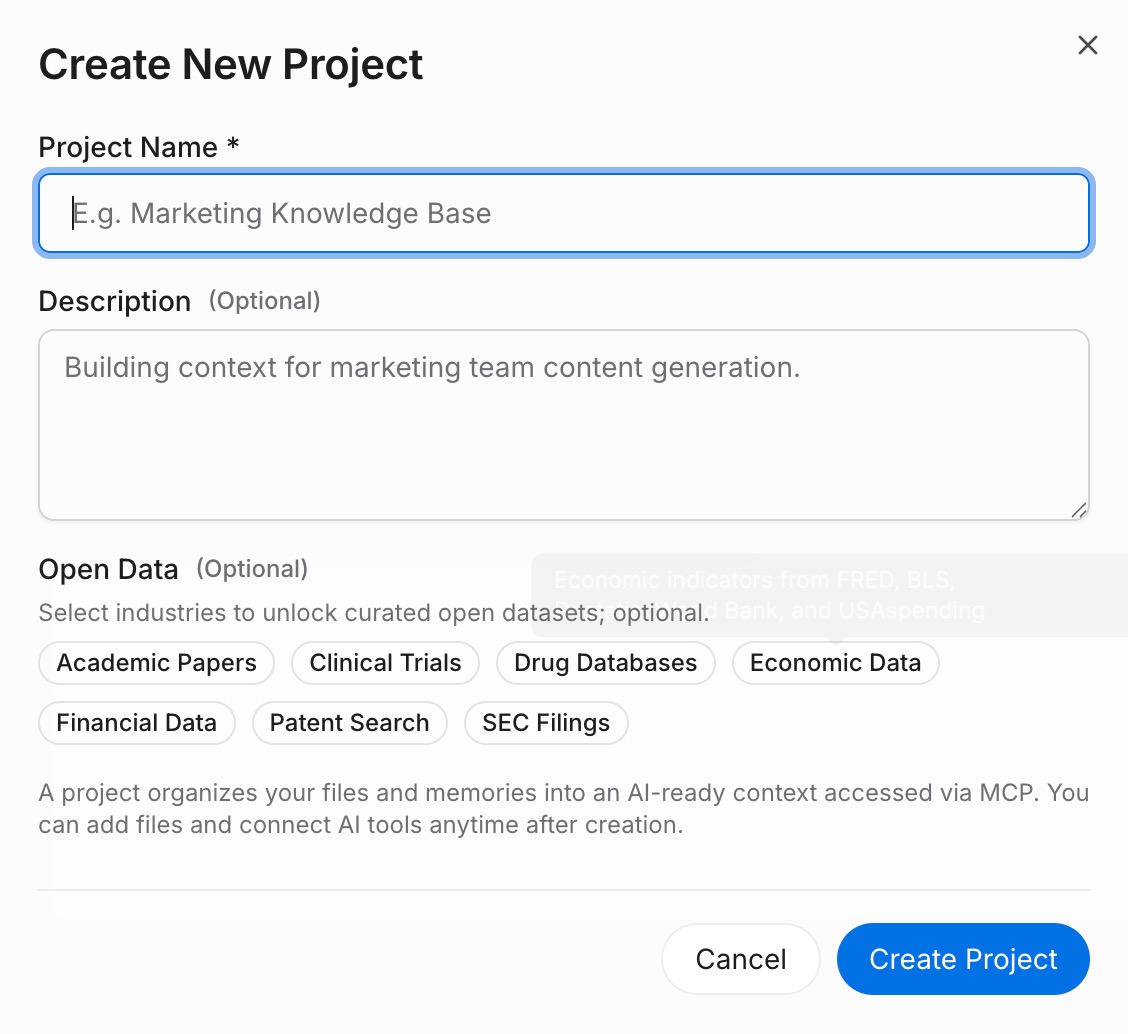
Sign in to MemoryLake, open Project Management, and click Create Project. Name it "ChatGPT ↔ Windsurf shared context." Drag reference docs (style guides, ADRs as PDF, Word, Markdown, or images) into the Document Drive under My Space, then open the Documents Tab and click Add Documents. Paste your ChatGPT Custom Instructions, Memory entries, and coding Custom GPT Instructions into the Memories Tab via Add Memory.
Step 2: Generate an MCP Server endpoint
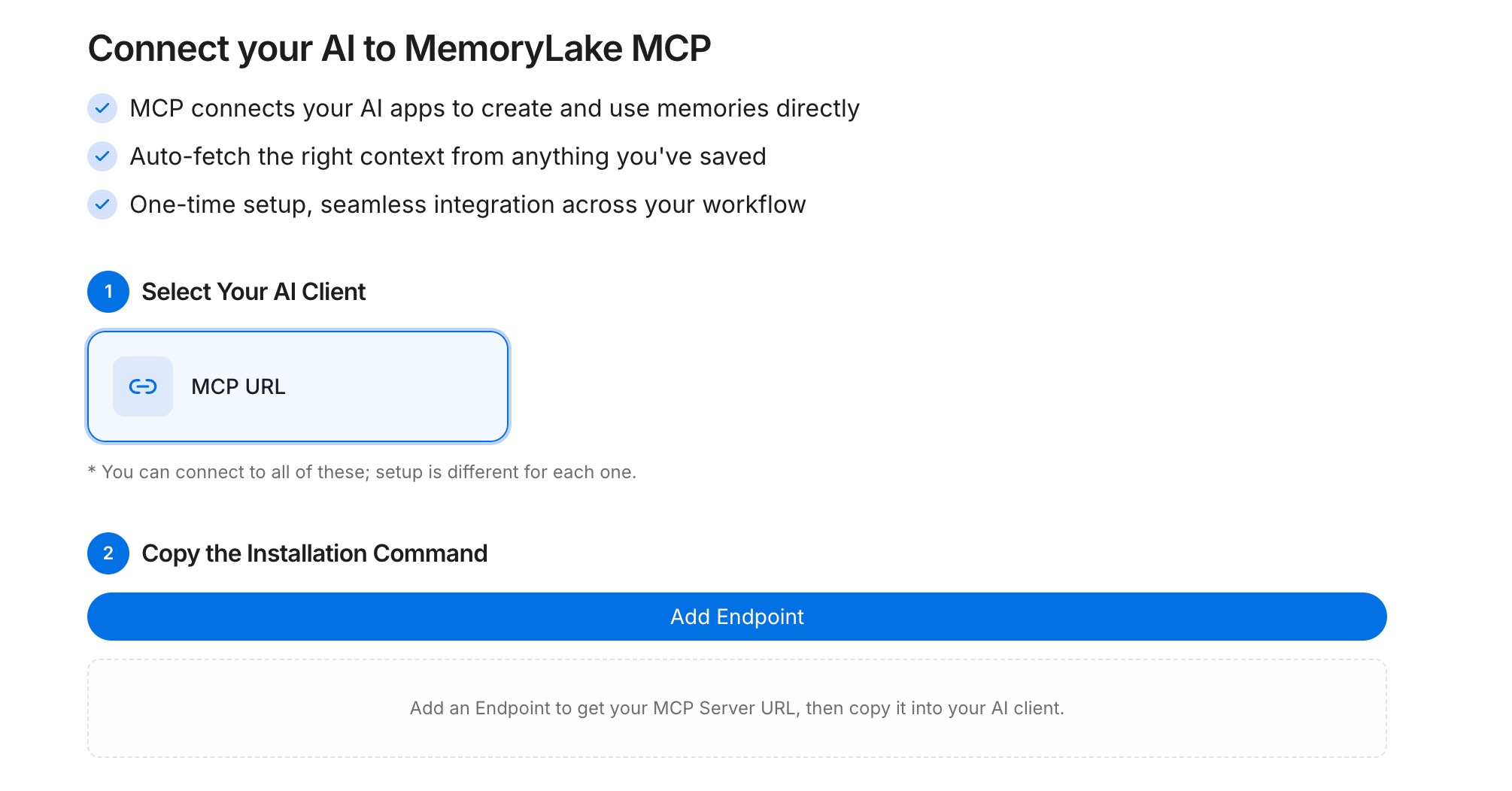
Open the MCP Servers Tab inside the project, click Add MCP Server, describe it (e.g., "ChatGPT + Windsurf bridge"), and click Generate. MemoryLake returns a Key ID, a Secret, and an Endpoint URL. Copy the Secret immediately — it is shown only once.
Step 3: Point both tools at the endpoint
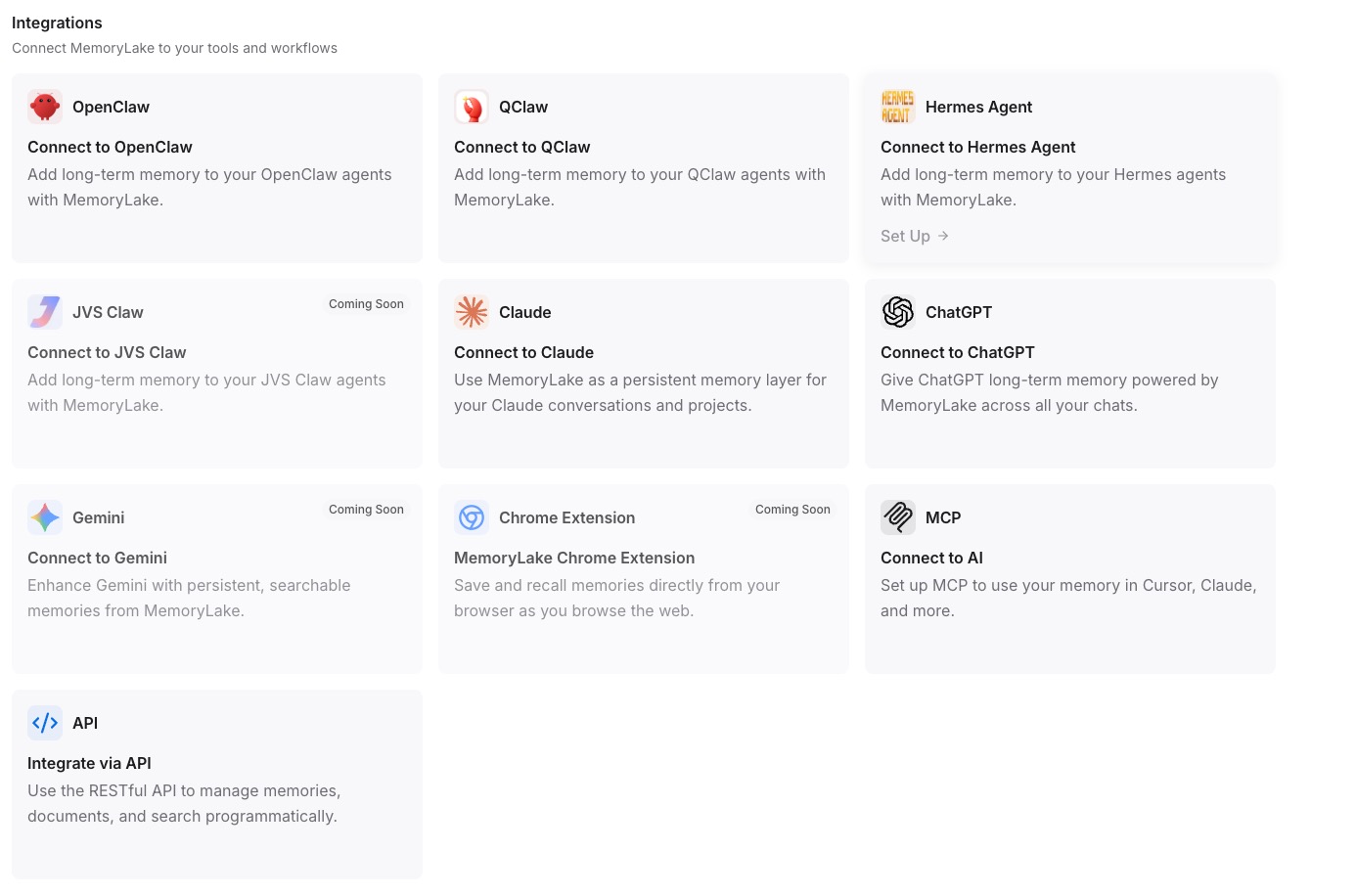
In Windsurf's MCP configuration, add a MemoryLake server entry with the endpoint URL and the Secret as a Bearer token. For ChatGPT, configure a Custom GPT Action that calls the same REST endpoint with the Bearer token to fetch project memory.
Native migration vs MemoryLake
| Dimension | Native ChatGPT → Windsurf | MemoryLake bridge |
|---|---|---|
| Steps required | 8–11 manual | 3 one-time |
| Estimated time | 15–25 min per repo | ~5 min setup |
| Preserves cross-chat Memory | Partial (global rules only) | Yes (one Project) |
| Custom GPT Actions | Rebuild as MCP | MCP endpoint shared |
| Syncs ongoing changes | No | Yes |
| Works with a third tool later | No (rebuild) | Yes (add MCP) |